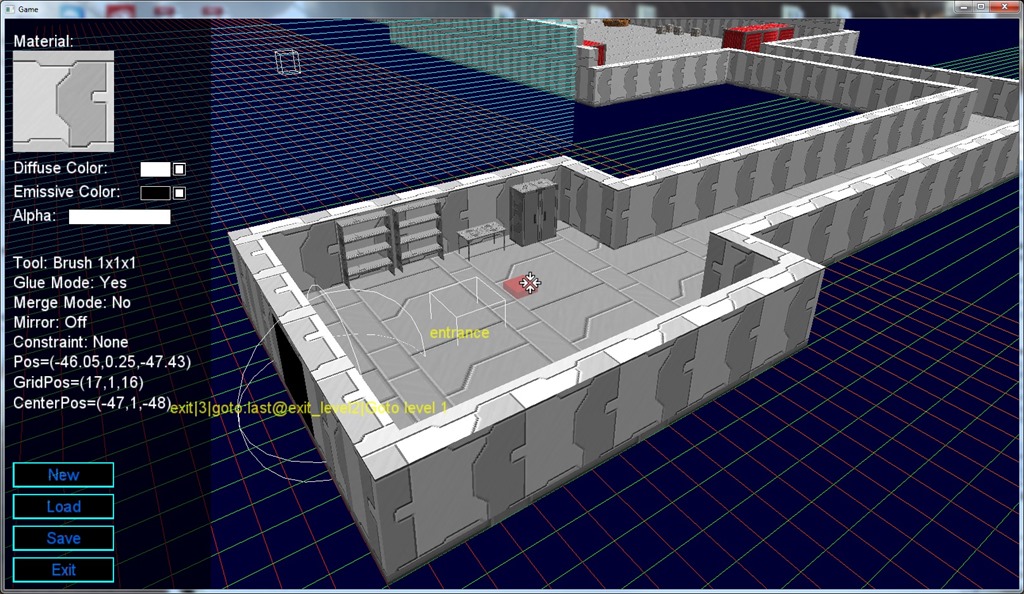
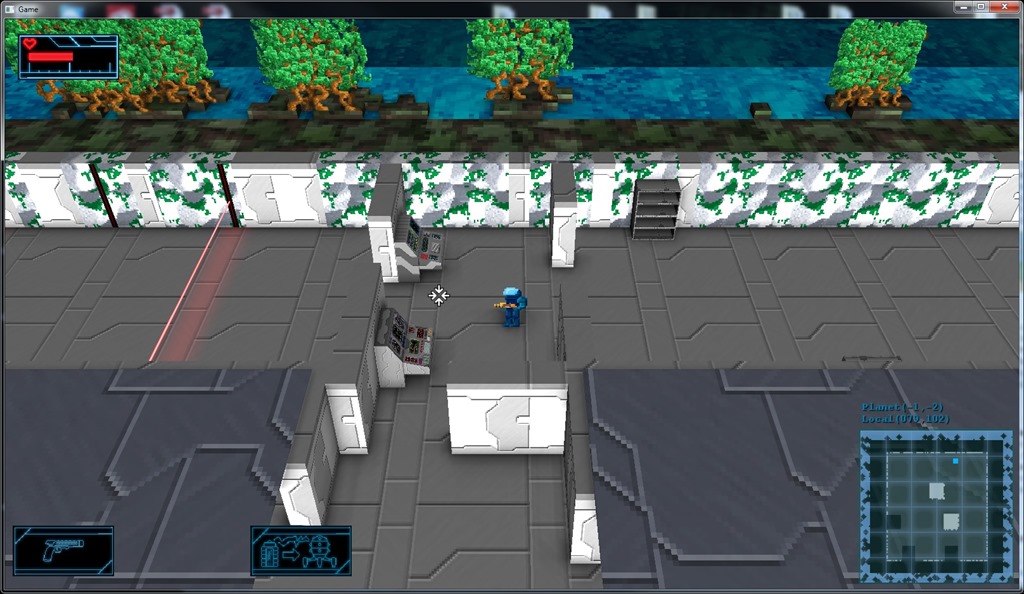
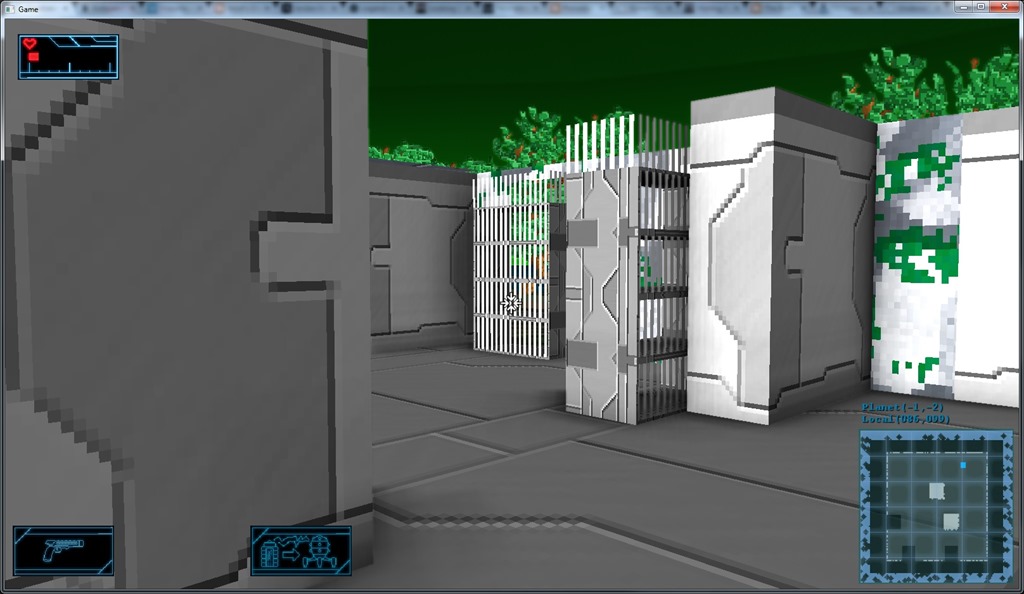
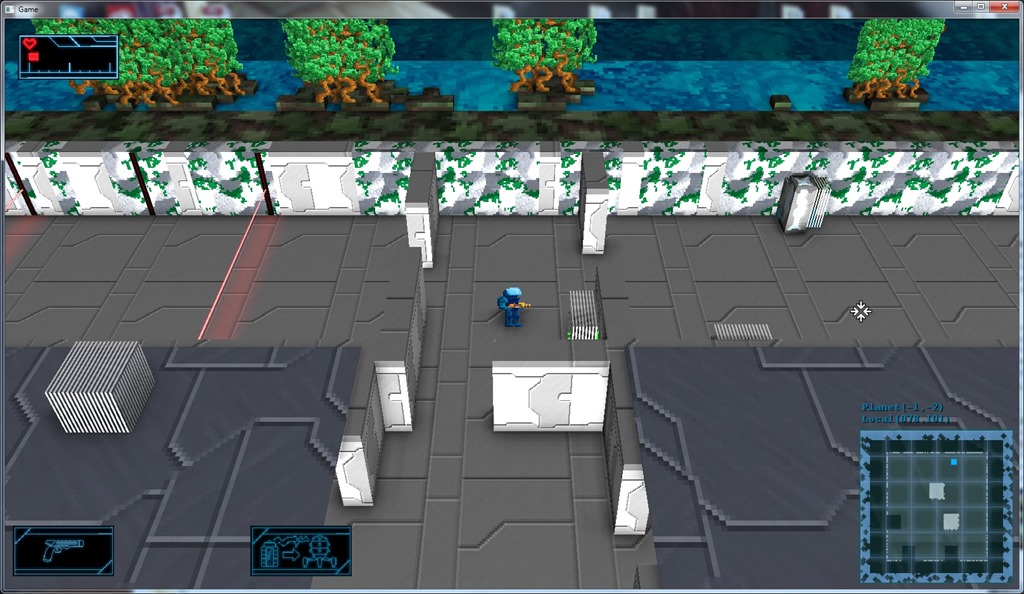
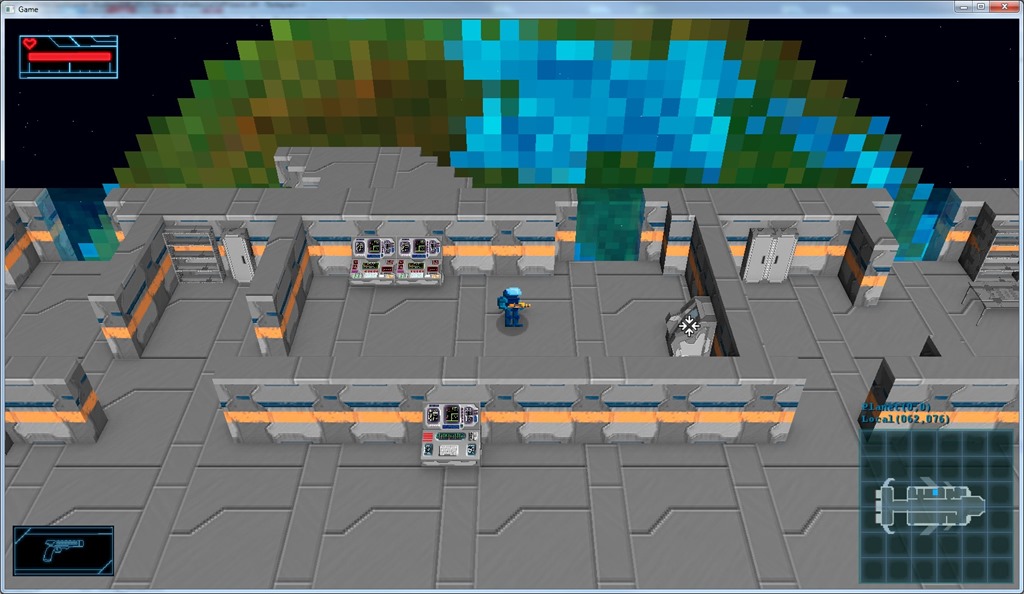
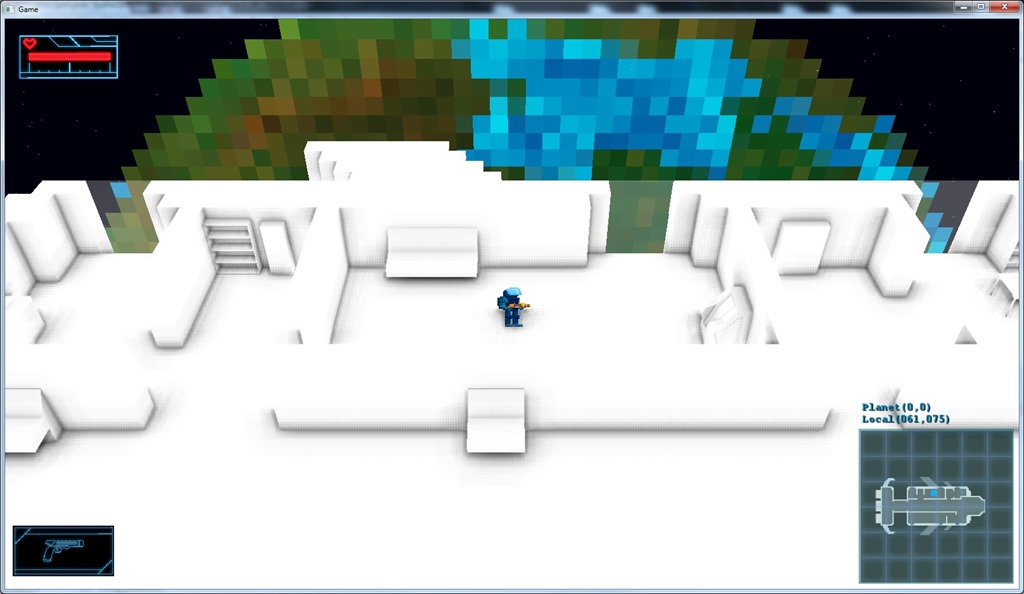
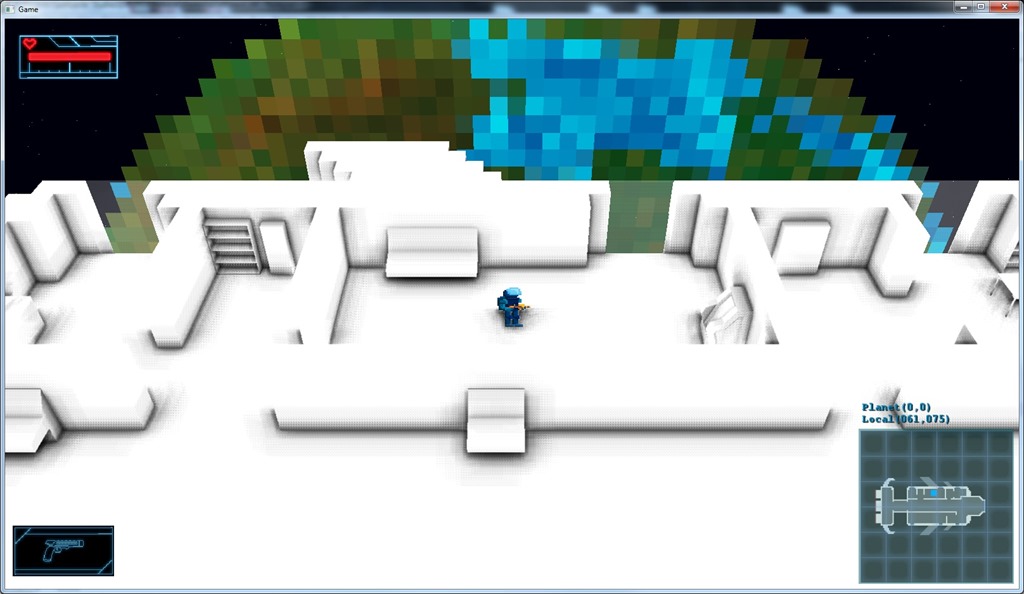
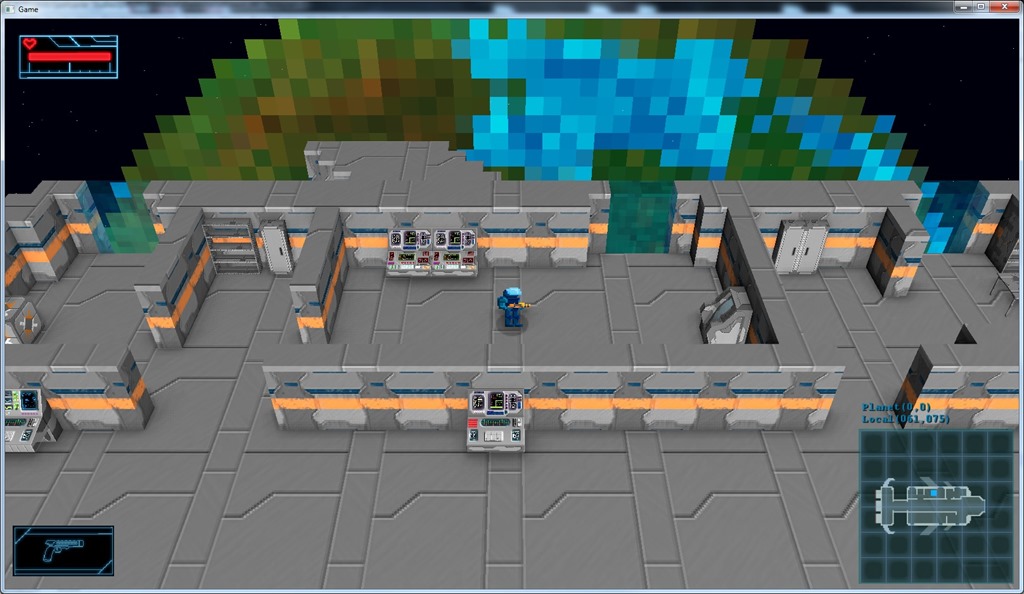
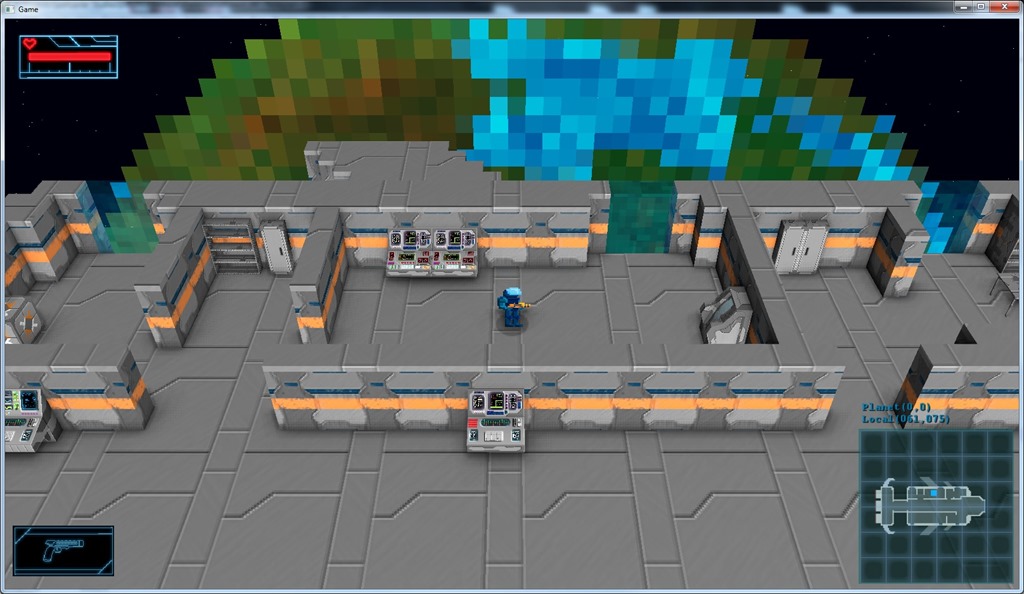
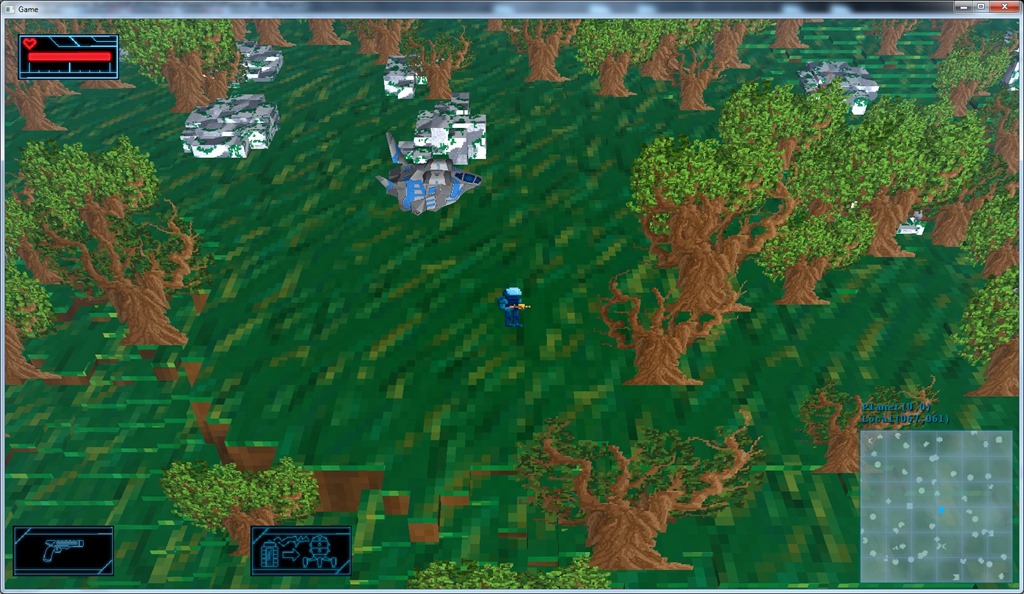
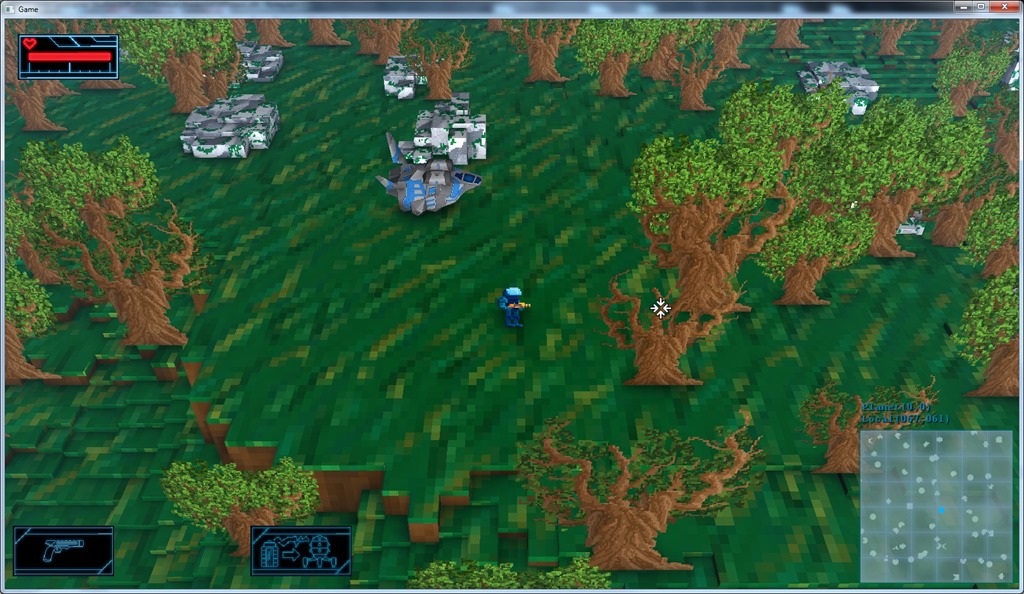
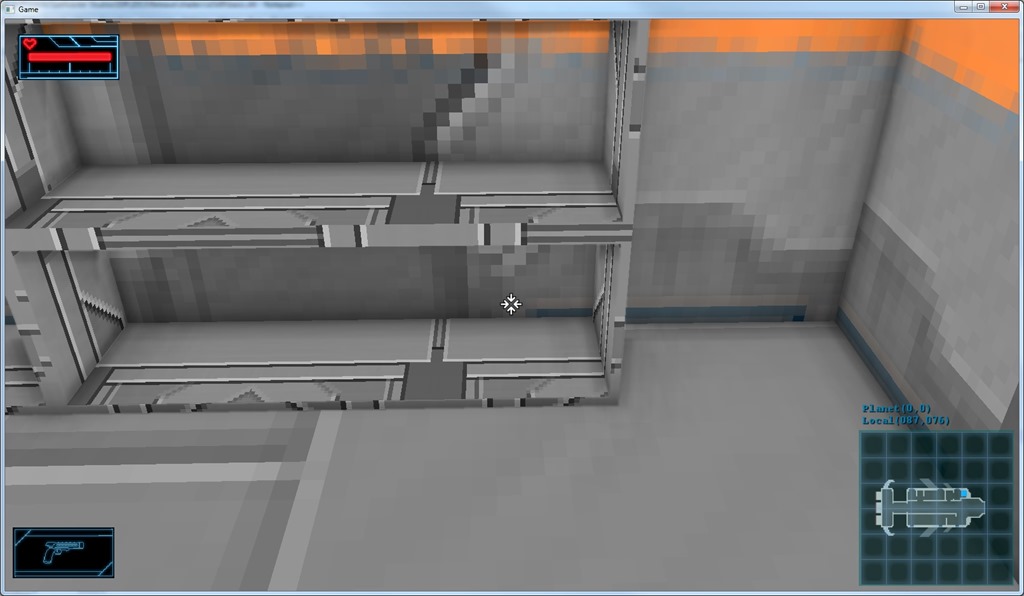
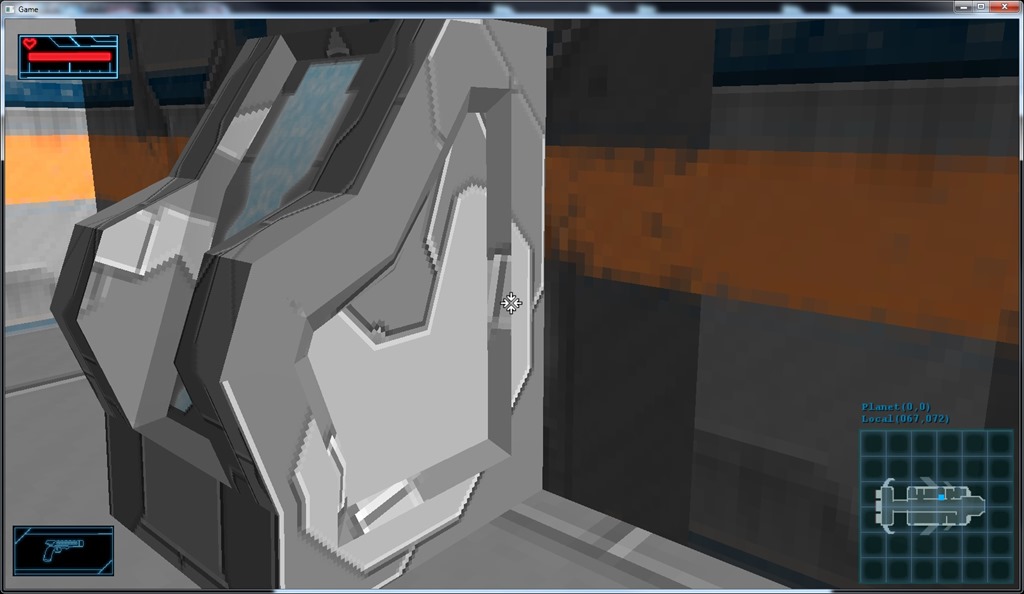
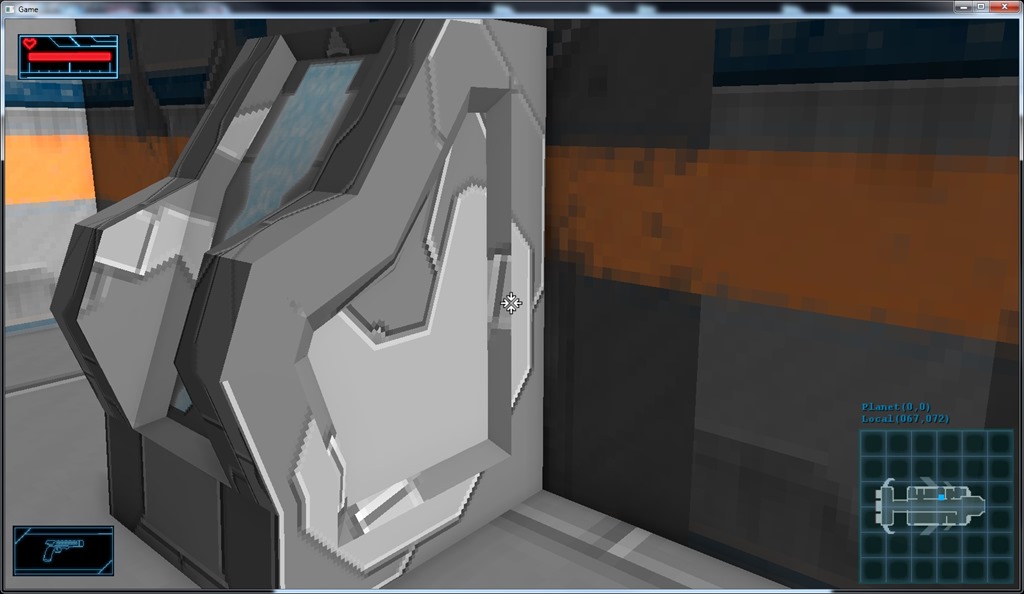
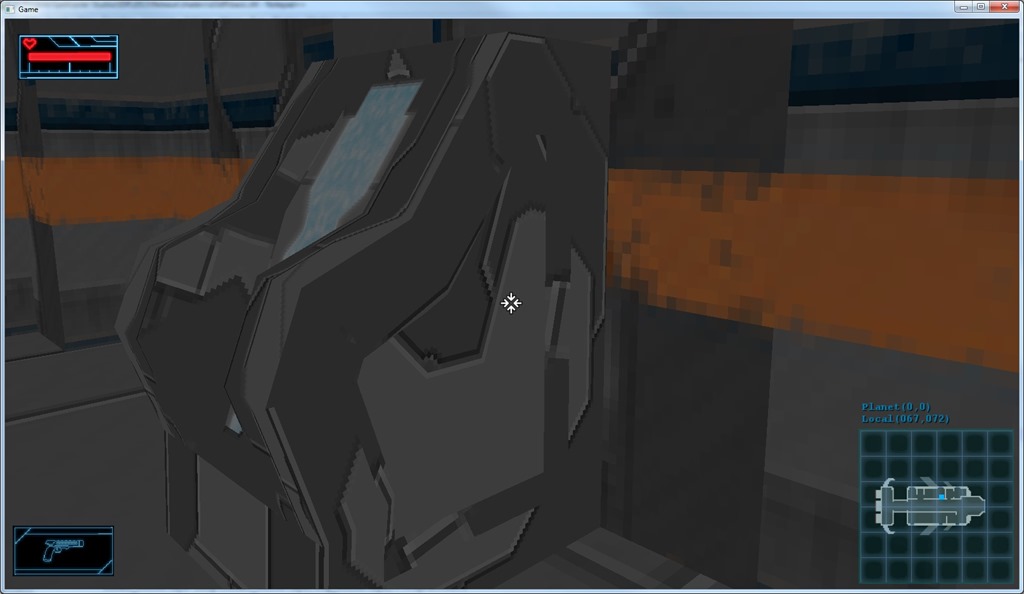
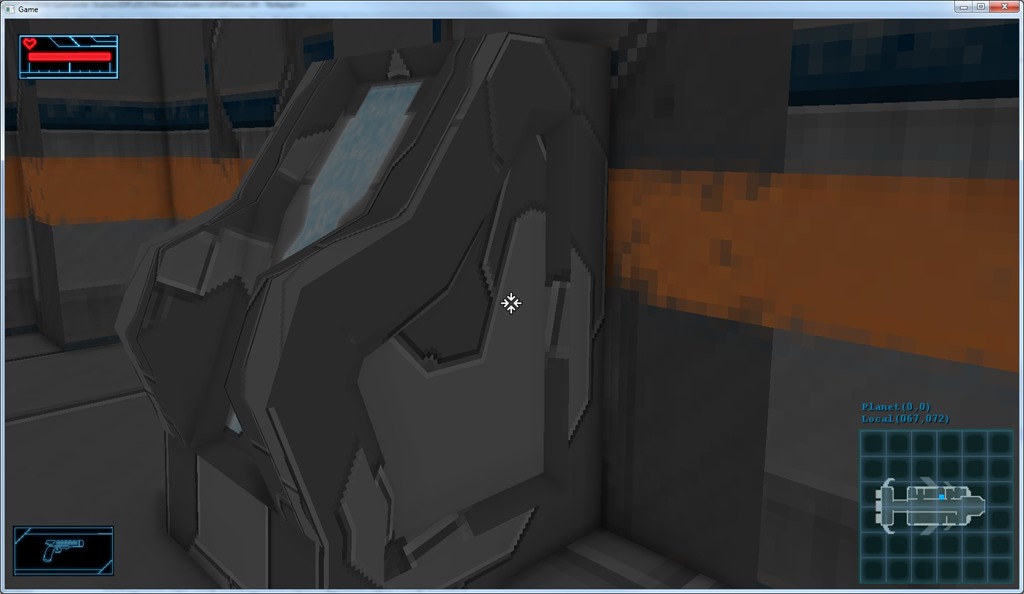
Finally finished with props!
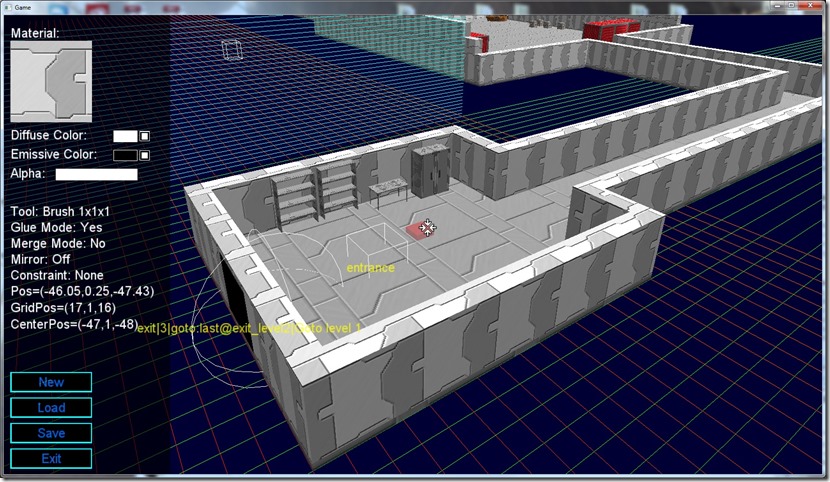
Had to go into the maps and readjust positions because of the change in pivot point, but now the system is working very nicely!
Also added a FPS counter on the game, because I had the feeling that the rendering on OpenGL was slower than on D3D9, but it ended up being just a matter of perception… In the gameplay areas I visited, the framerate was a stable 1000 FPS (the game is not very demanding), which is good considering the ambient occlusion requires three full screen passes…
So, next I’ll go for another polish task, probably decals for better shadow blob and scorch marks, etc…
Now listening to “7th Symphony” by “Apocalyptica”
Link of the Day: Amazing realtime rendering work… Unpractical to have a full game with this level of detail, etc, but it is amazing!
Finished the props on the pirate lairs, which involved adjusting the pivot points of most assets in the game…
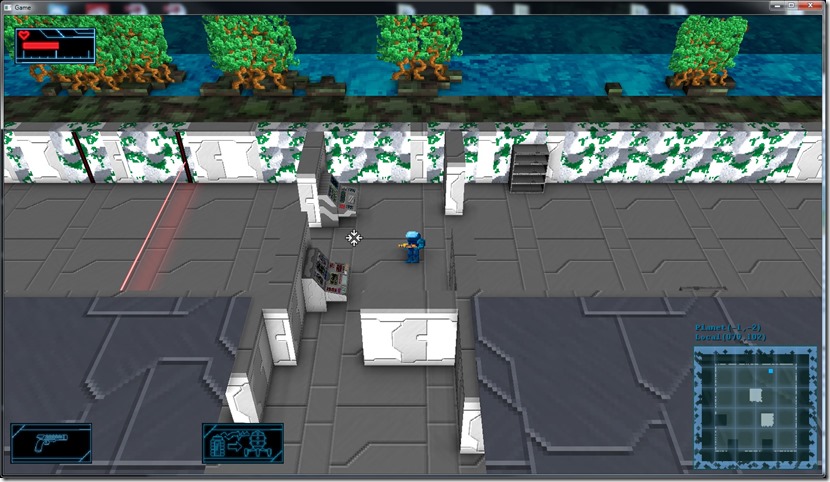
Now I need to work on all the maps to account for this… It’s boring work, but easy enough (except the part where I have to add prop manipulation to the editor, which shouldn’t be too complicated).
Now listening to “Ravenhead” by “Orden Ogan”
Link of the Day: Although visually it reminds me of the awesome “Gunpoint”, Ronin looks to be a completely different game, which looks amazing and with very interesting gameplay mechanics… Can’t wait to get my hand on this one!
Today I managed to fix one of the bugs that, although not game breaking, annoyed me the most: props in front of doorways:
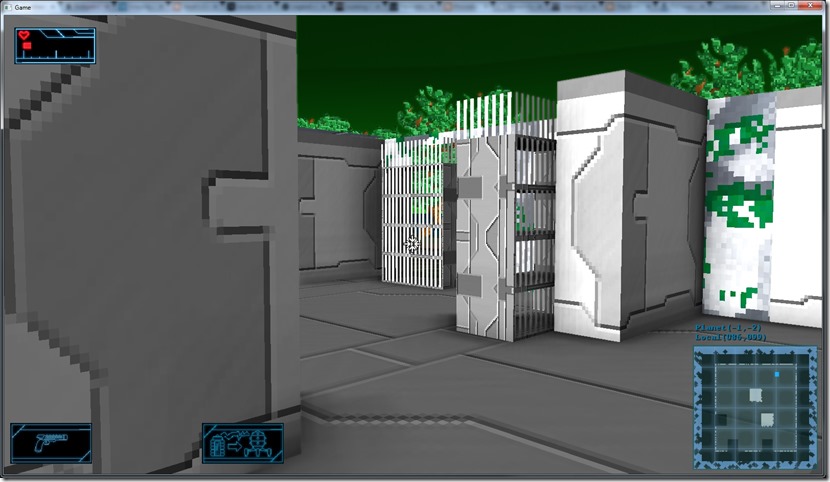
To do this, I just check the bounding box of the prop with the bounding box of the door… This was a bit of a headache because the coordinate spaces are different when building the pirate lair and the actual rendered space (and I forgot about it)…
Now it skips those props:
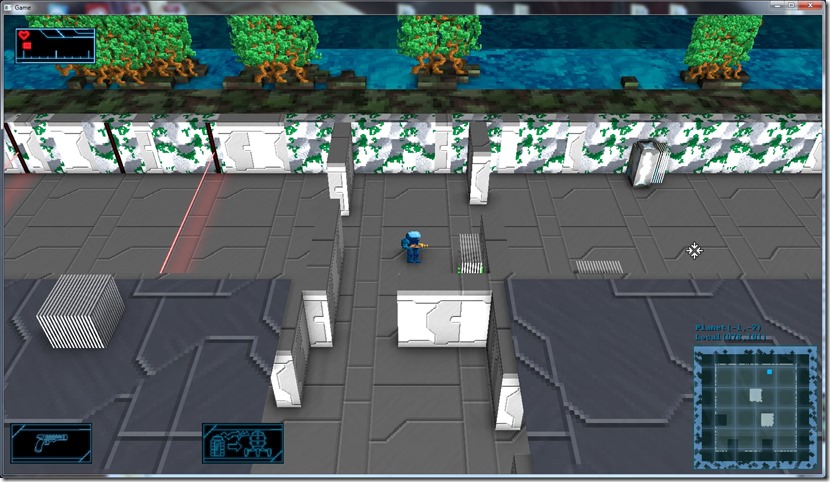
Still need to fix pivot points of a bunch of models, but we’re getting closer to fixing the whole prop system in pirate lairs (and elsewhere, but here it was very noticeable).
Now listening to “Theli” by “Therion”
Link of the Day: This is an absolutely gorgeous looking game… It reminds me of Limbo, and I loved that!
Now I’m working on something boring: fixing small stuff…
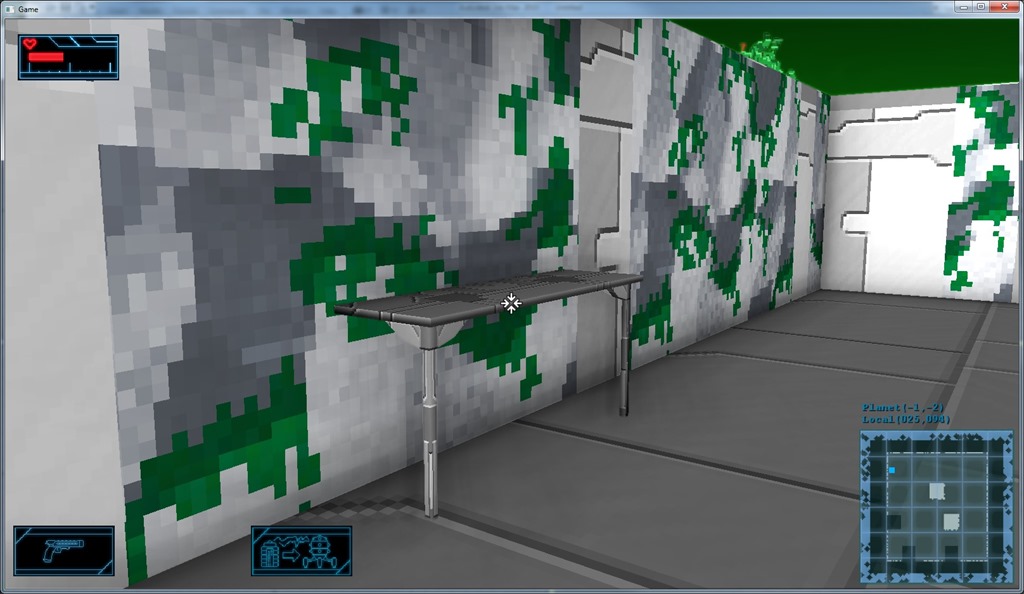
In this case, prop placement on the pirate lairs. Currently, a lot of the props get in front of doors, have wrong bounding boxes, etc.
For example:
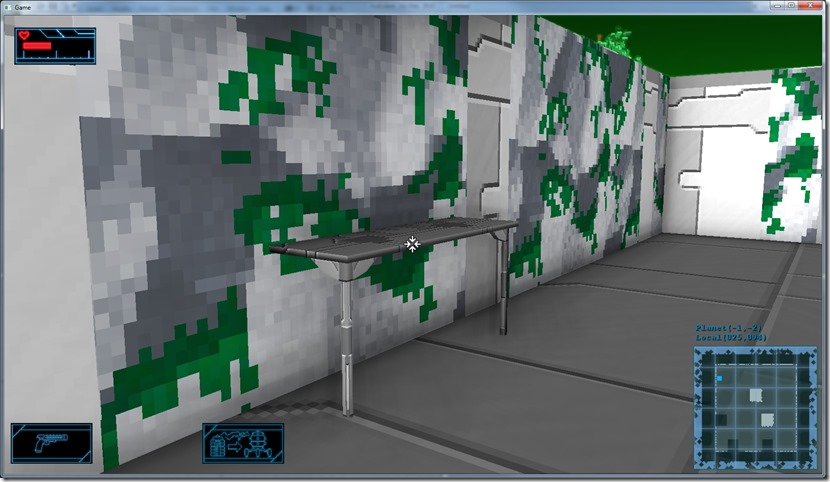
In this case, the table has a bad pivot point and the size is not aligned with the voxel system, so that happens…
That one is fixed now, but I have other props with those sort of problems, and this is very time consuming (I have to understand what the problem is, implement the solution, which sometimes require re-exporting the assets, etc)…
I’m also thinking on categorizing my todo list, so that I do a sequence of polish work (fun), tweaks (less fun), optimize (can be fun, usually isn’t) and bugs (no fun at all) before going back to polish… That way I can keep my motivation a bit higher… 
Now listening to “The Final Frontier” by “Iron Maiden”
Link of the Day: I love hex-based stuff, it looks so much nicer than square/rectangle-grid based games… But it’s a lot of work because of some details, so I’ve avoided it for a long time… Here’s a nice article about cool stuff regarding hex-grids:
http://www.gamasutra.com/blogs/HermanTulleken/20140912/225495/20_Fun_Grid_Facts_Hex_Grids.php
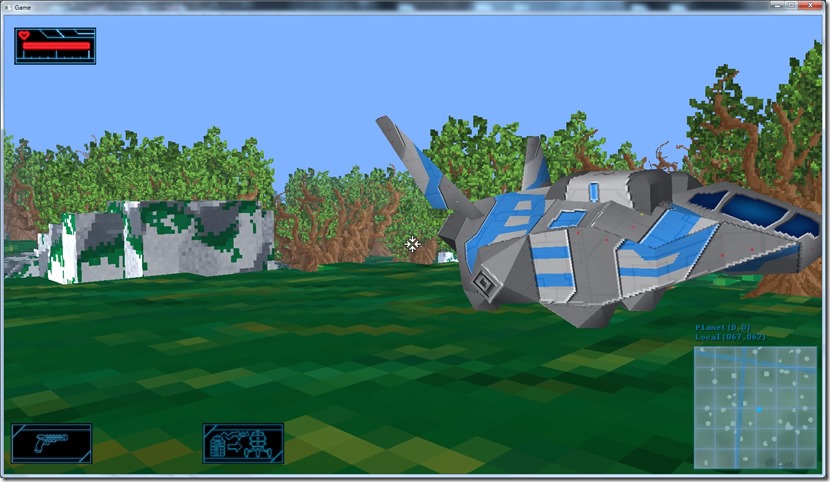
Finished the ambient occlusion system, in OpenGL as well…
Before:
After:
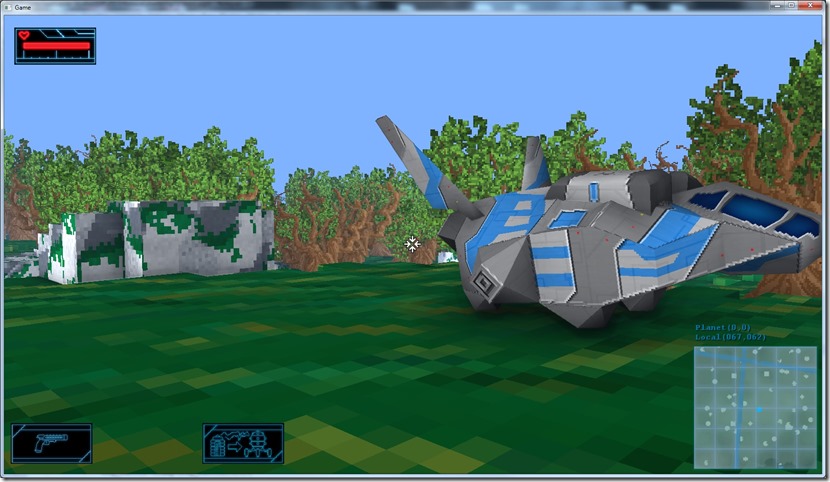
Also arrived to the conclusion that I can’t really use the ambient occlusion to make the sprite shadows (they’re too small to actually impact the occlusion properly)… So I’ll have to use either the shadow system (still under consideration) or the decal system (waiting for development)…
Also, not sure on what my next step will be… My to-do list is quite large, but a lot of the stuff is very boring, and when you’re doing a game in your spare time, motivation is everything! 
But since ambient occlusion was fun (even if a bit frustrating at times), I should probably tackle one of the boring tasks now… I’ll sleep on it…
Now listening to “Silent So Long” by “Emigrate”
Link of the Day: Beautiful pixel art on this Kickstarter project… And it looks like my cup of tea (although I’m not sure how well the SHMUP genre can mix with the adventure genre, it seems like two completely different, disjointed target audiences): https://www.kickstarter.com/projects/imagosfilms/starr-mazer
https://www.kickstarter.com/projects/imagosfilms/starr-mazer
Today I didn’t have much time to work on the game, so I basically just tweaked the ambient occlusion parameters and saw where they went…
First experiment was to see if better filtering would help the algorithm… Of course, the filtering improves the effect, but visually it doesn’t add anything, so I’ll keep the low-cost 4×4 box filter for now, instead of the 49 taps gaussian I experimented with…
Second experiment, I increased the sampling radius to ridiculous levels (1.5 meters, instead of the 0.5 I was using)…
The results were frankly better for this cartoonish, lo-fi visuals I have (before/after):
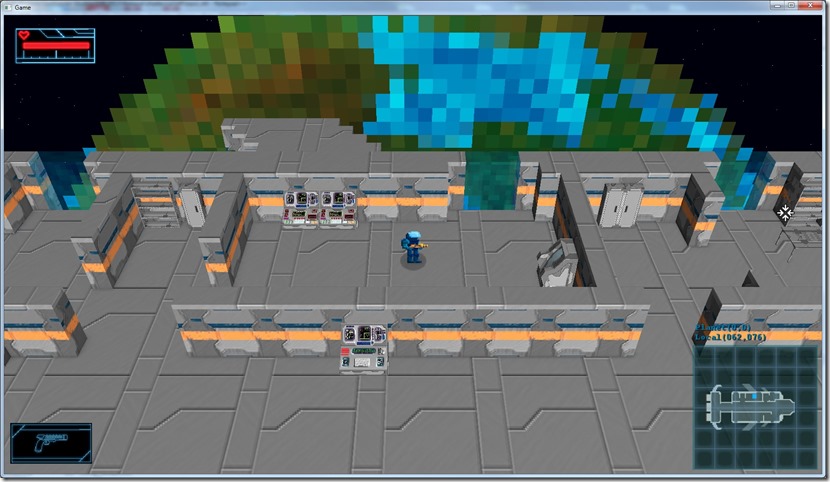
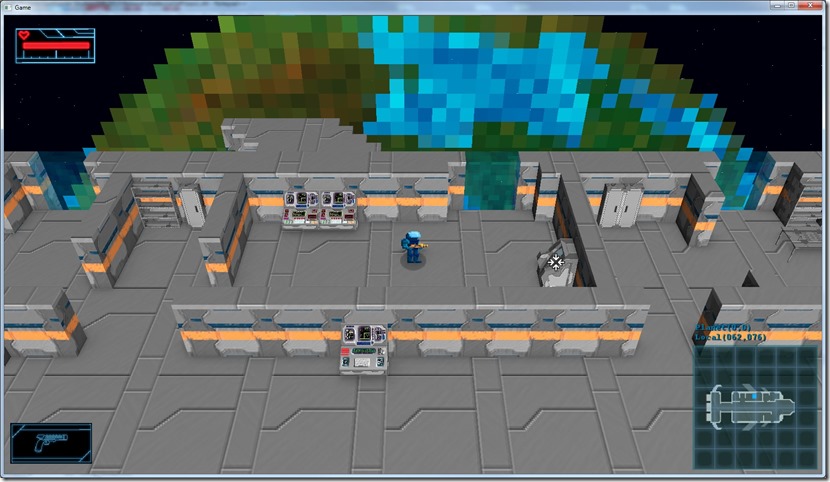
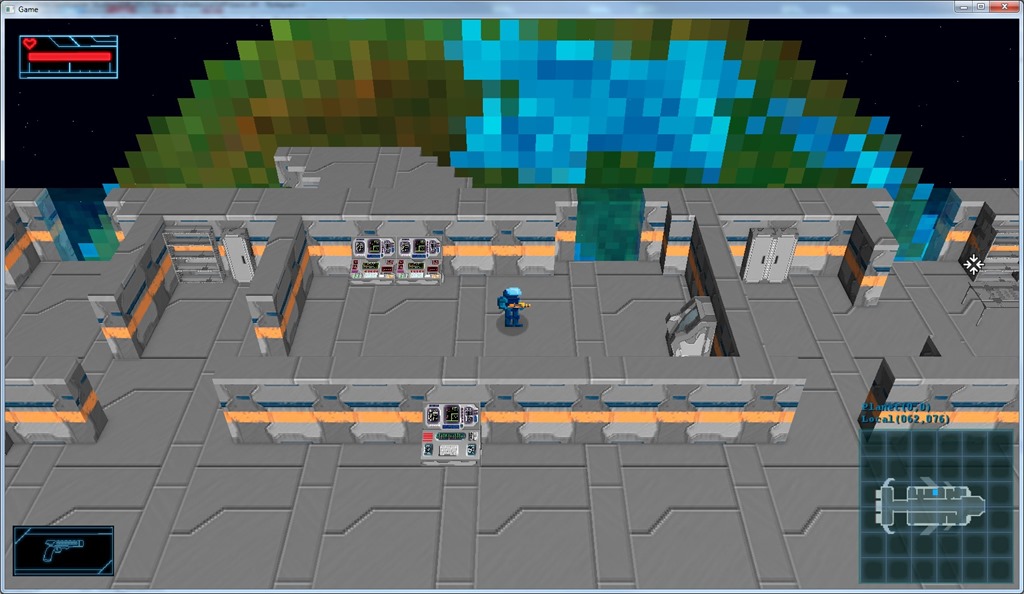
You can really tell on the shadow below the console near the player, so I’m keeping this change…
Also played around with using a “curve” to modify the AO, trying to make the darker areas to show up better (more dramatically, even if less realistic). I played around with a sigma curve, but I ended up using a square curve (x=x^2) instead, since the difference was almost negligible and the cost is way lower:
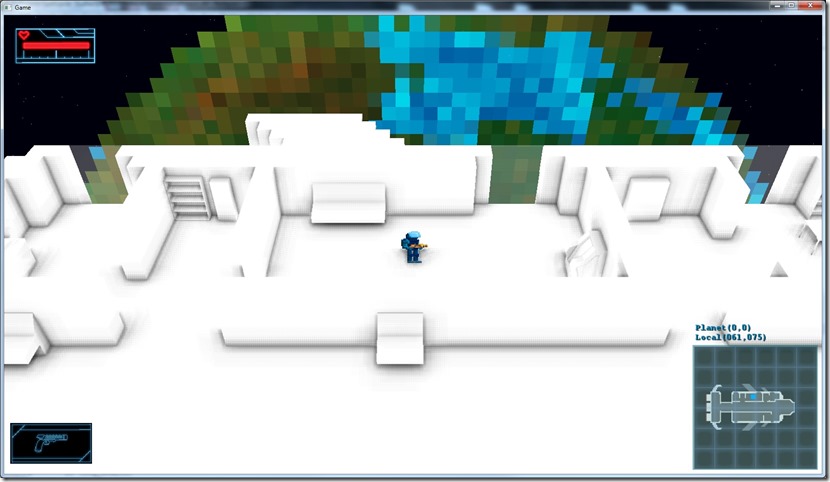
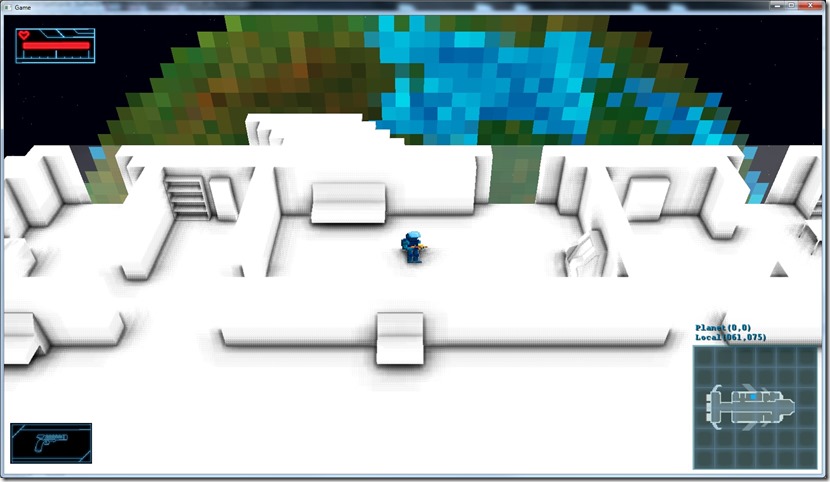
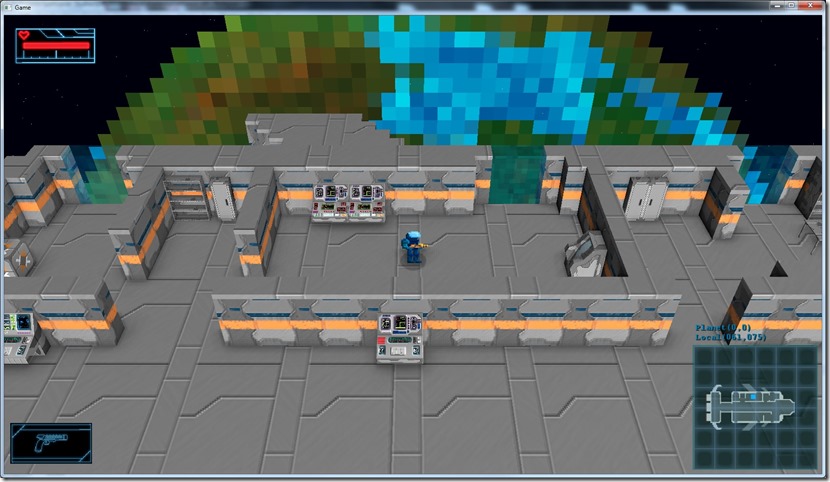
Much more dramatic shadow, which helps flesh out the scene…
Finally, I decided to use the ambient occlusion term to modulate the direct lighting… This is silly from a realism perspective, since ambient occlusion simulates how the ambient light, the lose photons in the world interact with surfaces, and direct light is all about the direct photons…
The end result ended up being much better than I expected… Not realistic, but a bit more impactful and more suitable to the game’s aesthetic:
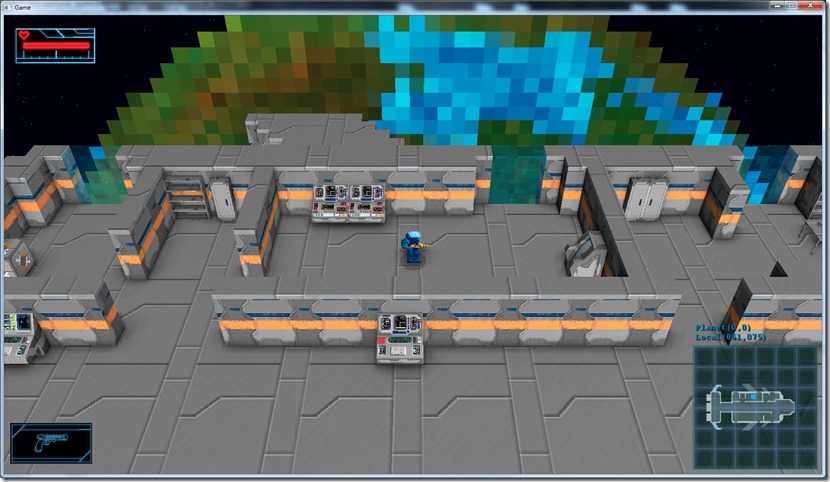
I’ve even removed the “blob-shadow” from the sprites, and it doesn’t look bad with just the shadow from the ambient occlusion term…
In a planet, with the normal render and without the blob shadow:
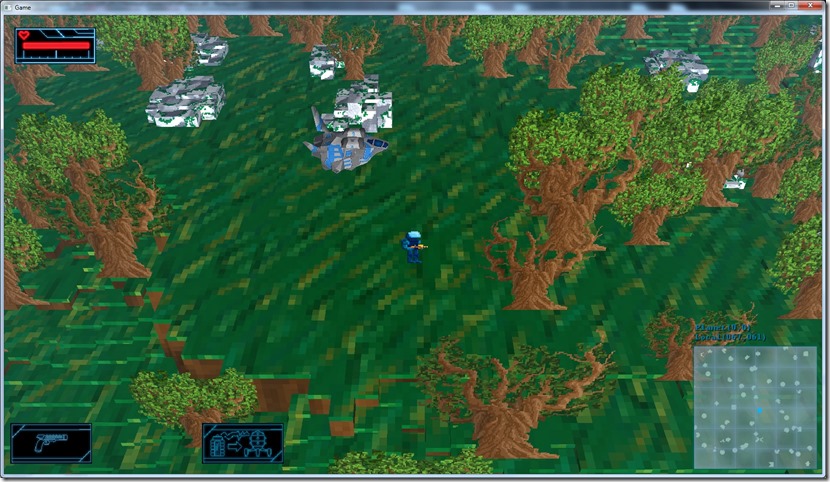
Everything flat and you the player character even seems to be floating…
Now, with ambient occlusion with the current parameters:
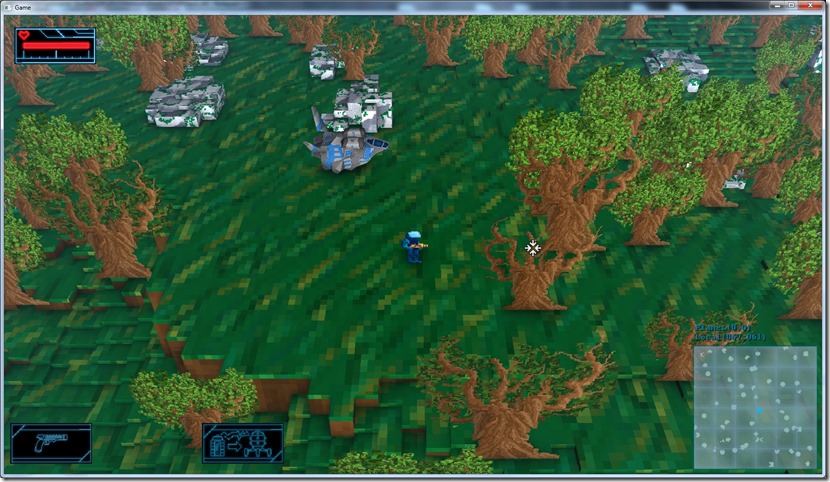
Much better, everything seems more fleshed out… The player still doesn’t feel in the ground, I think, but still it looks much better, things just seem to have more volume…
So, even thought yesterday was disapointed with the ambient occlusion, today I’m much happier… It was a good option all in all… Now I need to implement this in OpenGL (should be just a matter of porting the shaders), and think if direct lighting shadows is a good use of my development time, or if I should just move on the other things, like decals or glows, the dozens of small bugs or the new UI work…
Now listening to “Lindsey Stirling” by “Lindsey Stirling”
…with the results of the ambient occlusion in practice…
It works fine now, but it’s extremely difficult to notice, which makes this whole endeavor kind of pointless…
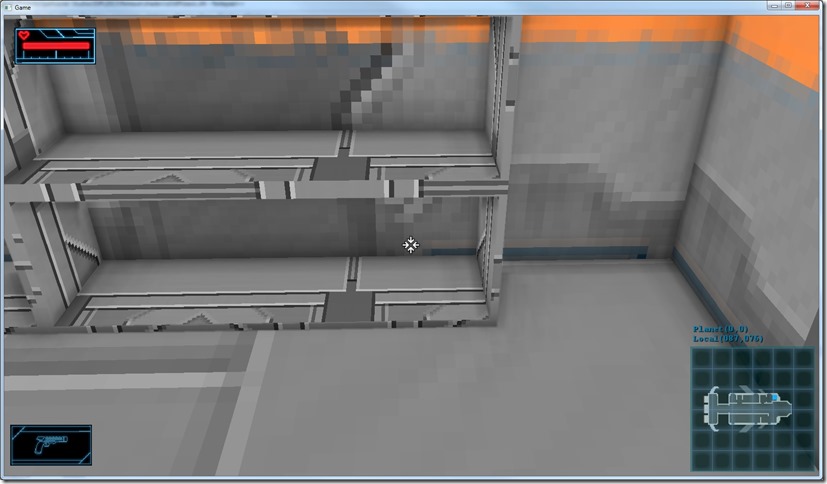
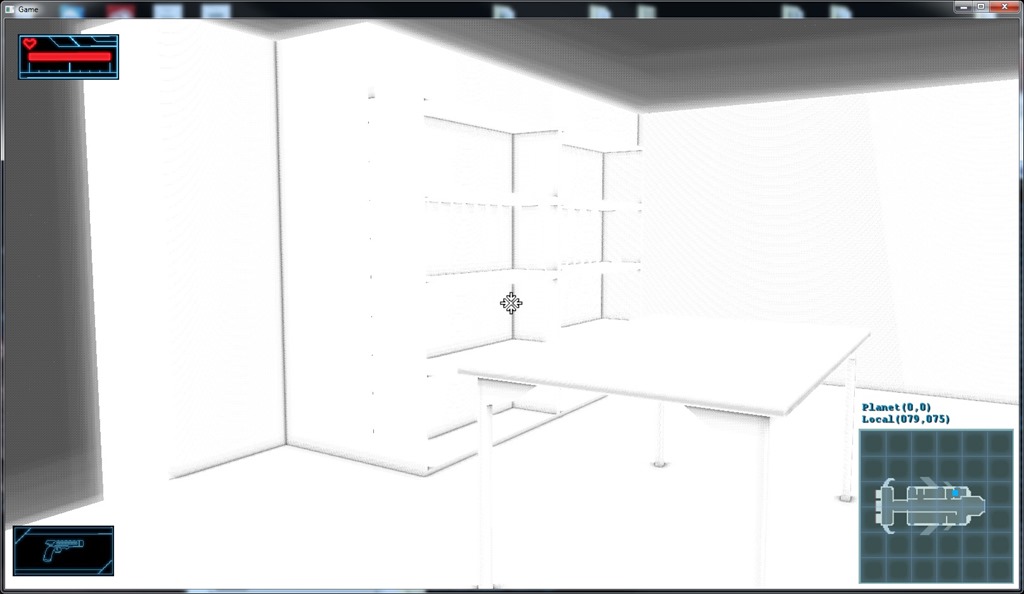
The effect is clearly there (note the corners and the far edges of the shelves), but it doesn’t help much with the whole lack of contrast I wanted to address with this…
Below you can see the same scene without and with ambient occlusion:
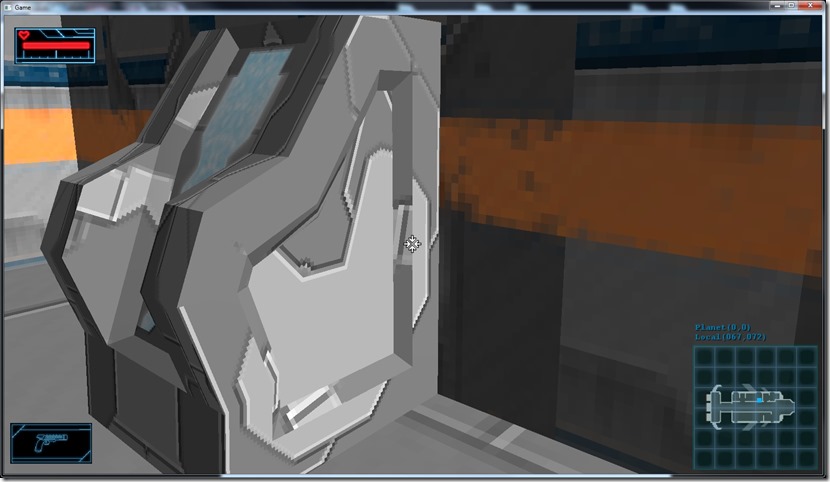
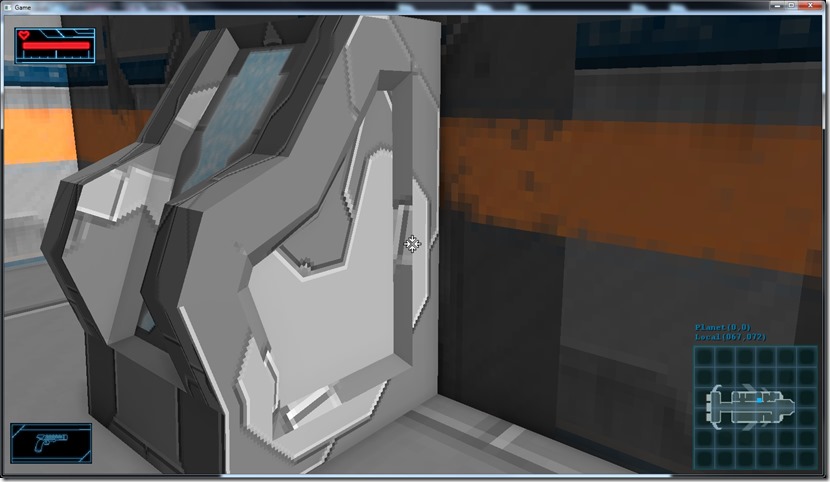
Almost identical…
The problem is that due to the graphic style we’ve chosen for the game, there’s not much “ambient light” going around, it’s mostly direct lighting from light sources, which is unaffected by the ambient occlusion…
I could tweak this so that I use more ambient light and less directional light (on the space ship that might work very nicely anyway, and I might do it anyway, but even so it doesn’t have as much impact as I’d like)… In the screenshots below it’s the same comparison, but without any direct light:
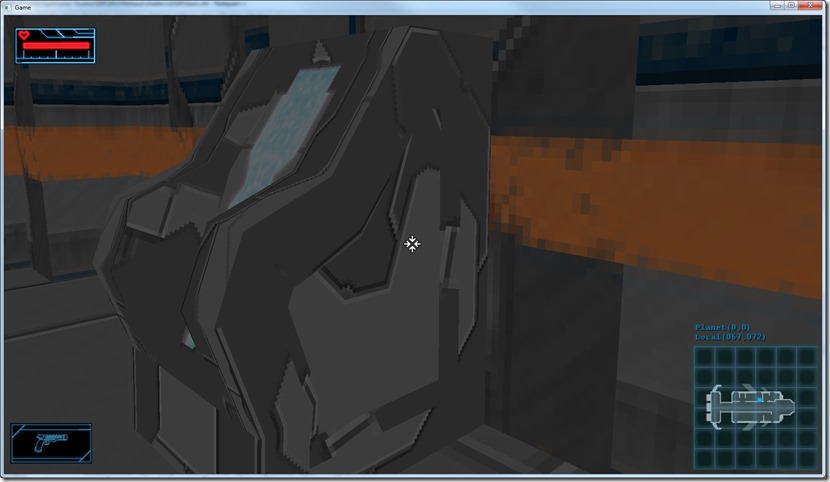
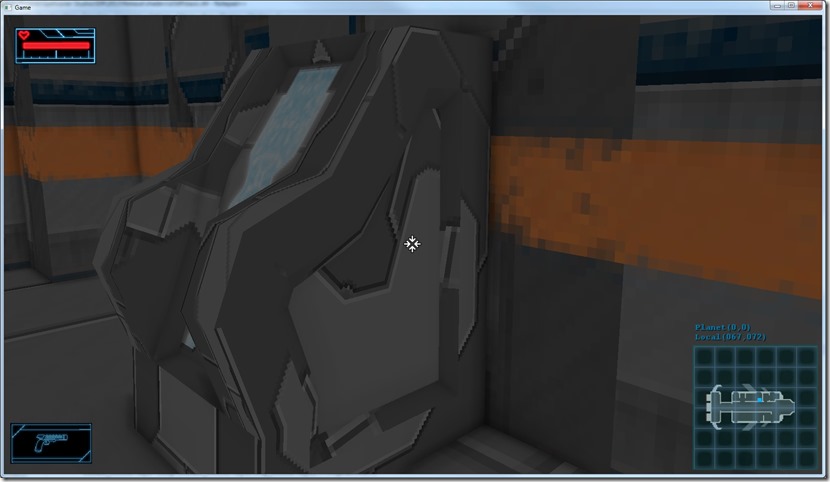
I can also improve the filtering (I think I’m blurring too much, using a 4×4 box filter), or some kind of sigma curve to make the darker areas darker, or even modulate the direct lighting with the ambient occlusion, but in truth, I think the main problem is that the art isn’t done to work with this… Just a theory, but I think that for ambient occlusion to work nicely, you have to have stuff with more geometric surface detail, or normal maps…
Anyway, tomorrow I’m going to do a couple of experiments with this, see if I can reach some useful conclusion, but for now I’m convinced I’m going to have to implement actual shadow-mapping (only for directional and spot lights, which makes it way easier).
Now listening to “The Revenge” by “Allen-Lande”
Link of the Day: Some amazing screenshots from PC games… Some of them are processed or tweaked renderers, but still very impressive: http://www.neogaf.com/forum/showthread.php?t=963160
After a long battle with almost every single line of code of the screenspace effect system, I managed to get something resembling ambient occlusion!
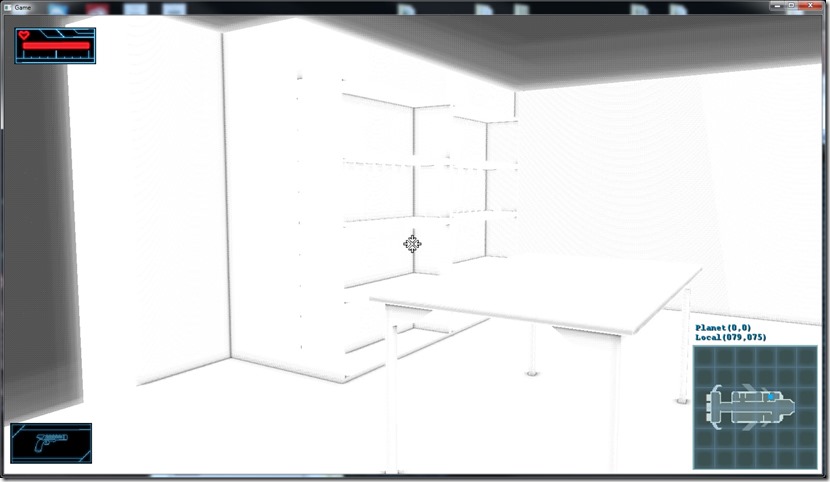
Now I need to add a blur filter to remove the artifacts and I can run tests on the actual scenes, see how good they look, and to see if I need to implement actual shadows of this is good enough for my purposes!
Now listening to “Ravenhead” by “Orden Ogan”
Link of the Day: I need one of these… for research purposes, of course…
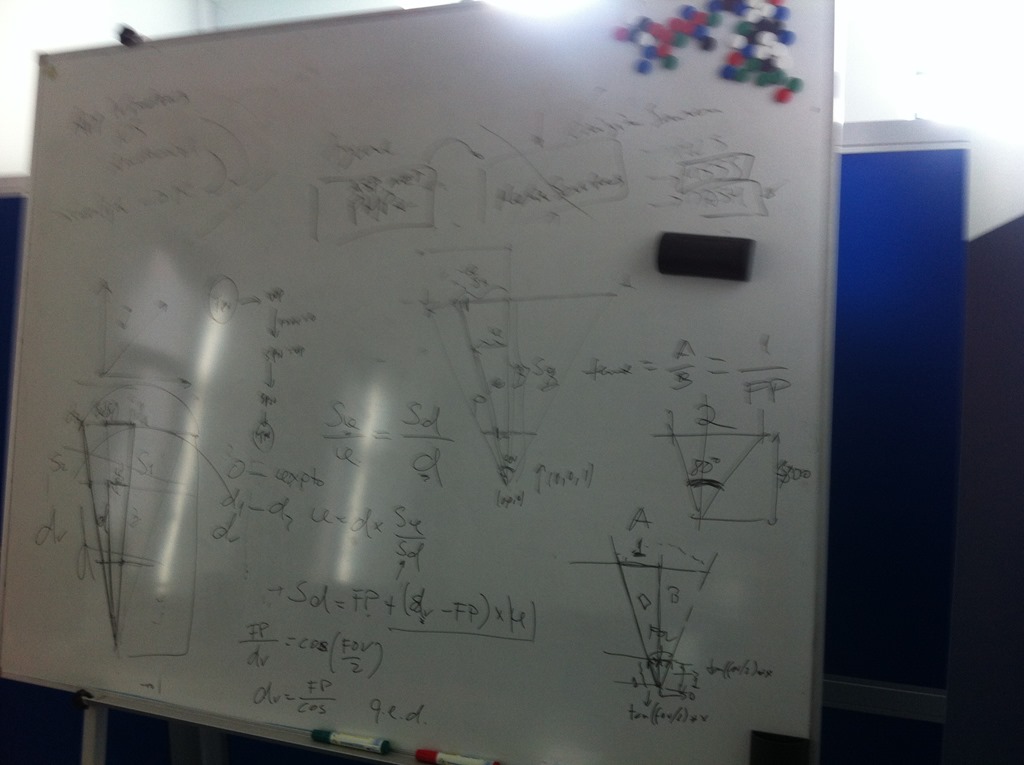
Finally figured out what was the problem with my reconstruction of the position from the FOV and depth…
NOTHING! ABSOLUTELY NOTHING!
The problem was way before that… For some reason (and I never noticed it for years on end), I was using the field of view parameter as the VERTICAL field of view, scaled by half (for some another really unknown reason), but everything I made with shaders that required the field of view assumed I was using the fov property as the HORIZONTAL FOV… The scaling factor I had only screwed up everything…
So I was looking at at a scene with a FOV property set to 80º… But since I was diving that scale by 2 (yielding 40º), and then computing the horizontal FOV from it by dividing by the aspect ratio (yielding 71º), the visual result was close enough for me never to suspect a thing…
Except when I’m actually using the fov in another calculation on a shader and nothing seems right…
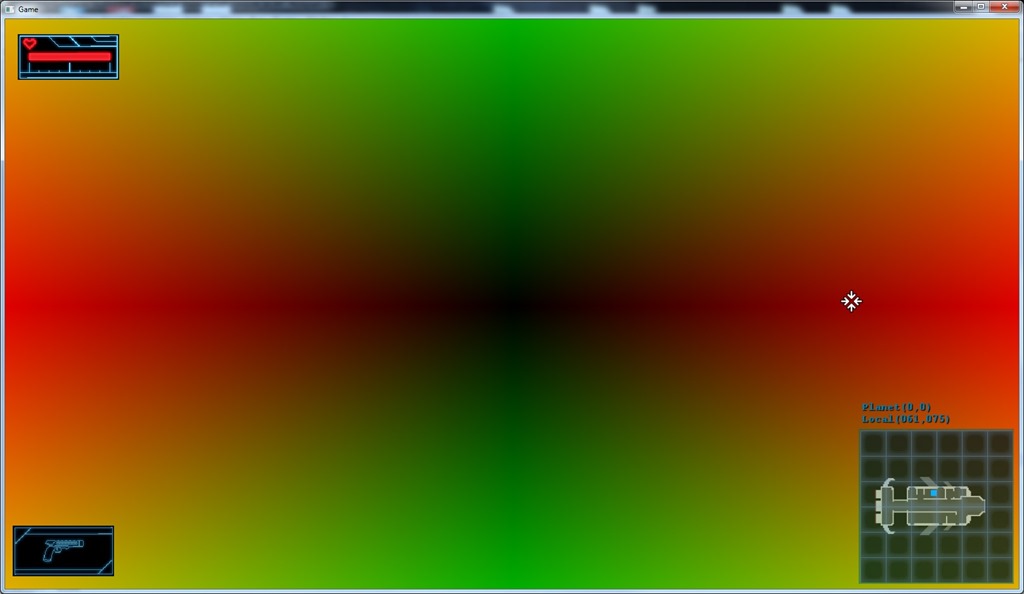
What helped this revelation was the fact that I decided to change the way I was seeing the error on screen… Instead of using colors, I decided to compute the world position and compare that with the depth I had on the depth buffer…
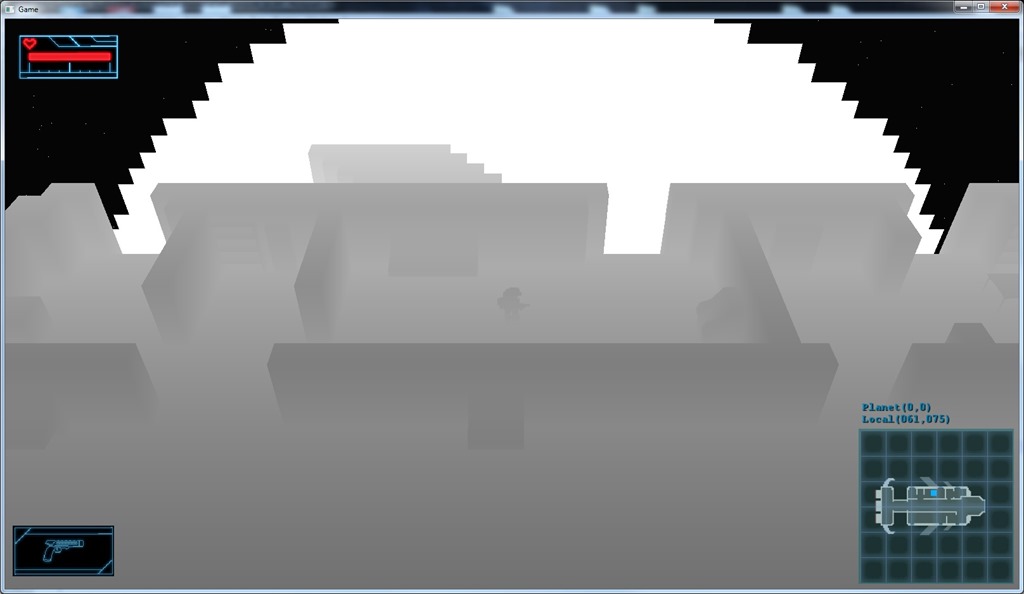
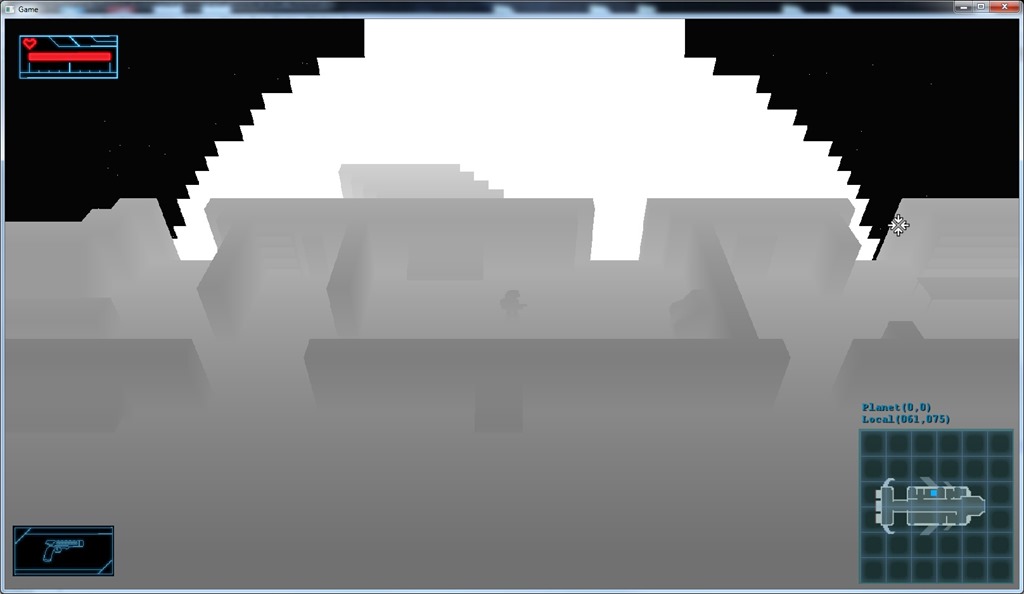
The two images below show the “normal” result (the one rendered correctly), and the one that the SSAO would compute half-way through the process:
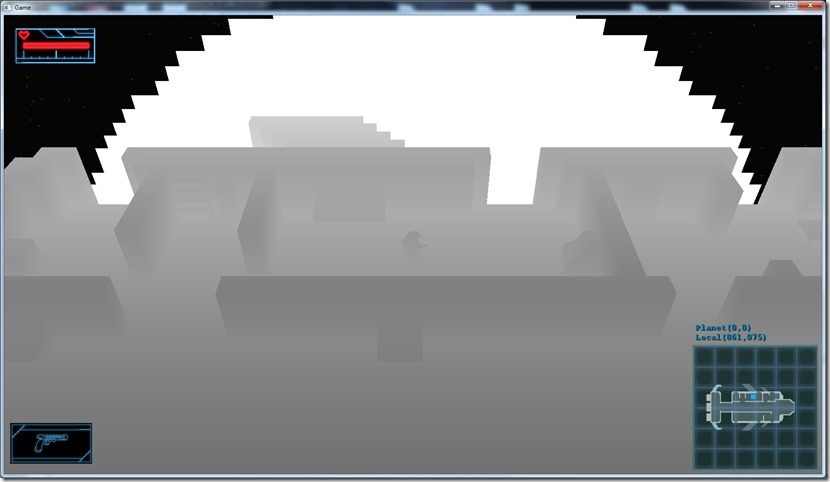
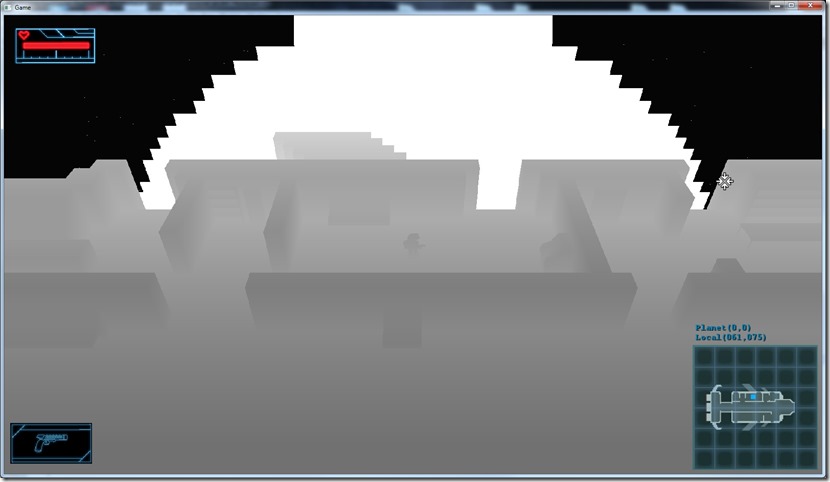
When I saw this, I figured the problem would have to have something to do with the FOV, the images were too close to be a normal math or reasoning error…
After a lot more debugging, finally figured it out!
Now, tomorrow I’ll be able to see the SSAO in action properly!
Now listening to “Ghost Opera” by “Kamelot”
Link of the Day: I know this is a hype video, and we’re really far from this, no matter what Microsoft marketers says… But it looks soooooo cool! I can imagine my “Skylander’s-like” game here… 
Found some of the problems of the system yesterday, but the results are still terrible:
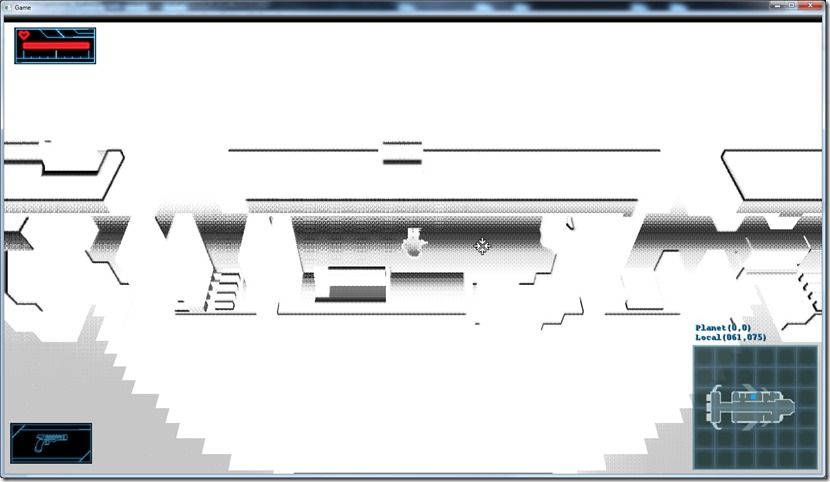
It was inverted on this screenshot due to lack of correction of texture coordinates to screen coordinates.
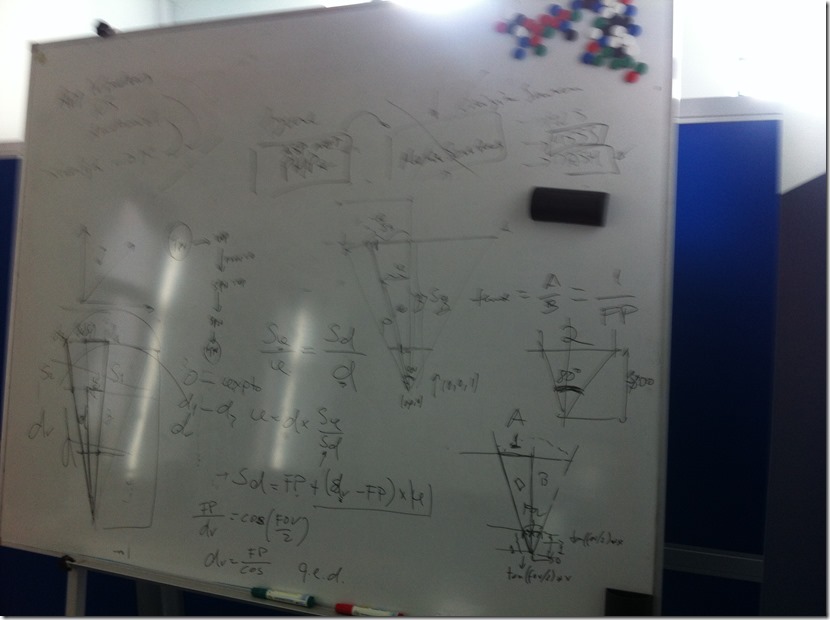
Anyway, the problem I’m having is reconstructing the camera-relative position of the pixels, based on the depth and field-of-view… Something is going wrong there, although I’m not sure what… I did a lot of math and everything should be correct:
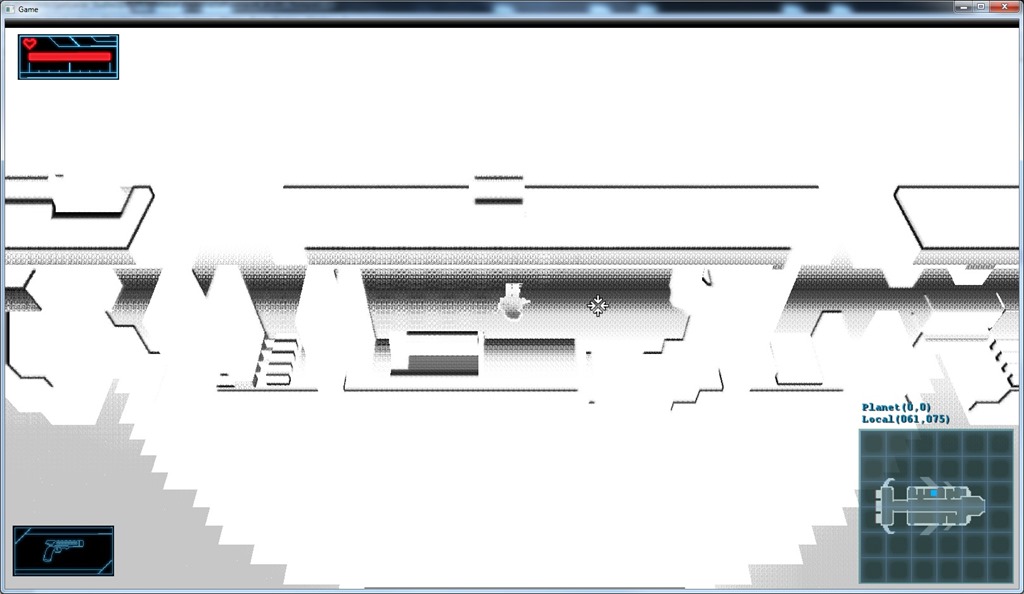
But if I draw the error between the reconstructed position and the actual position, the error is quite noticeable:
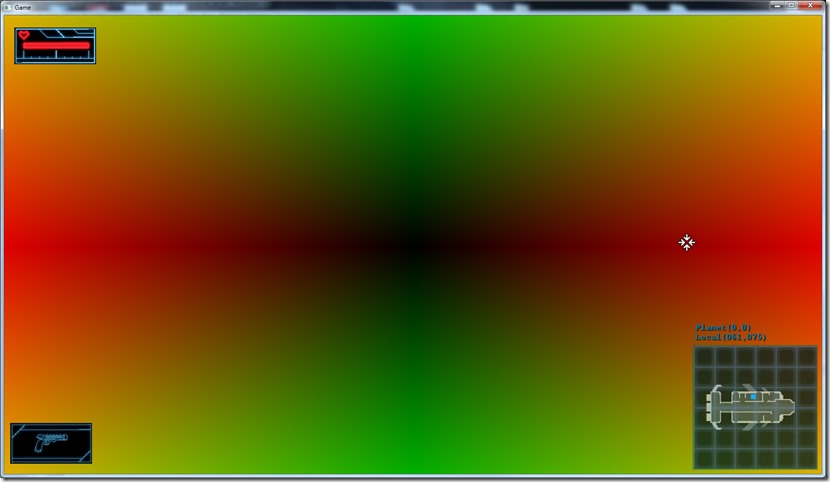
More “red” means more error in X, more green means more error on the Y coordinate…
So, a lot of work ahead of me now…
Now listening to “Ravenhead” by “Orden Ogan”
Link of the Day: This Kickstarter project has probably one of the best trailers ever: https://www.kickstarter.com/projects/strafegame/strafe