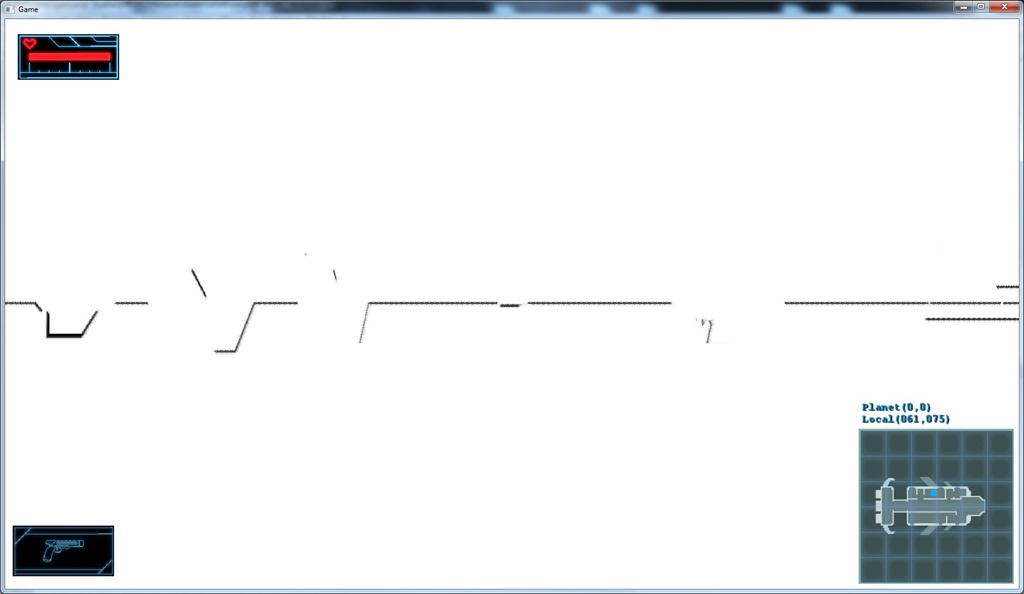
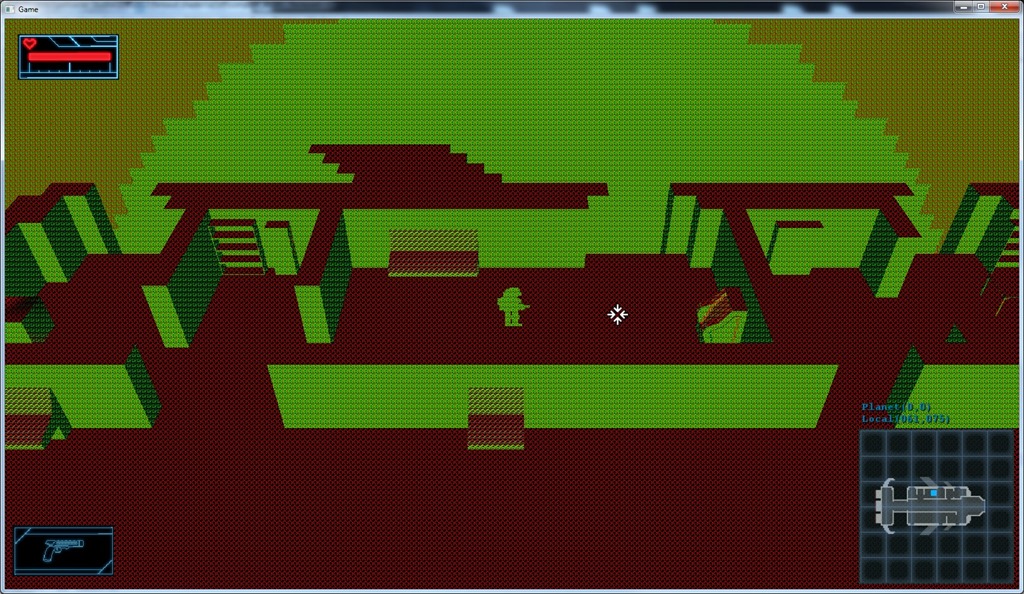
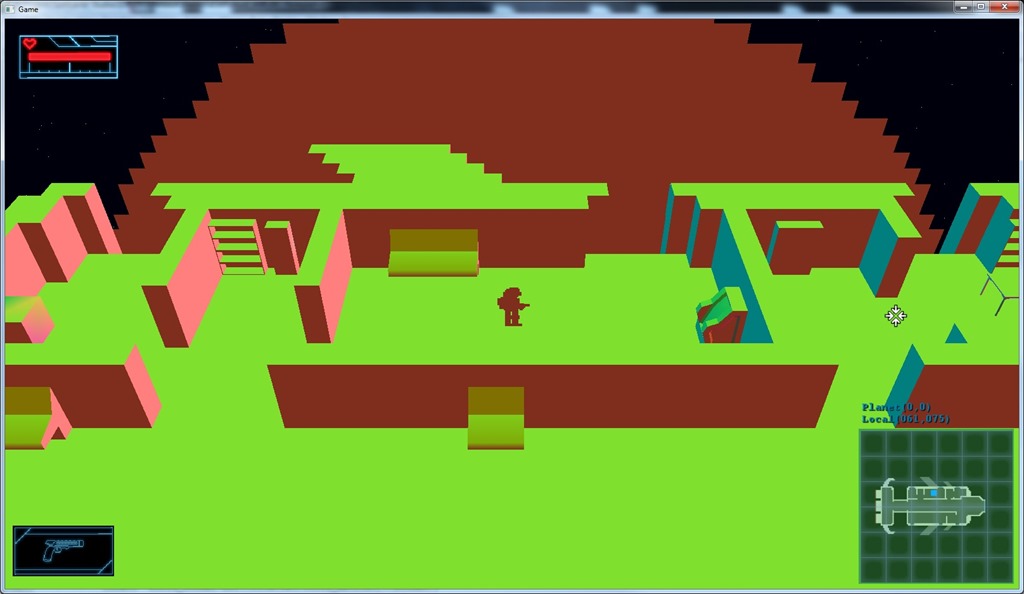
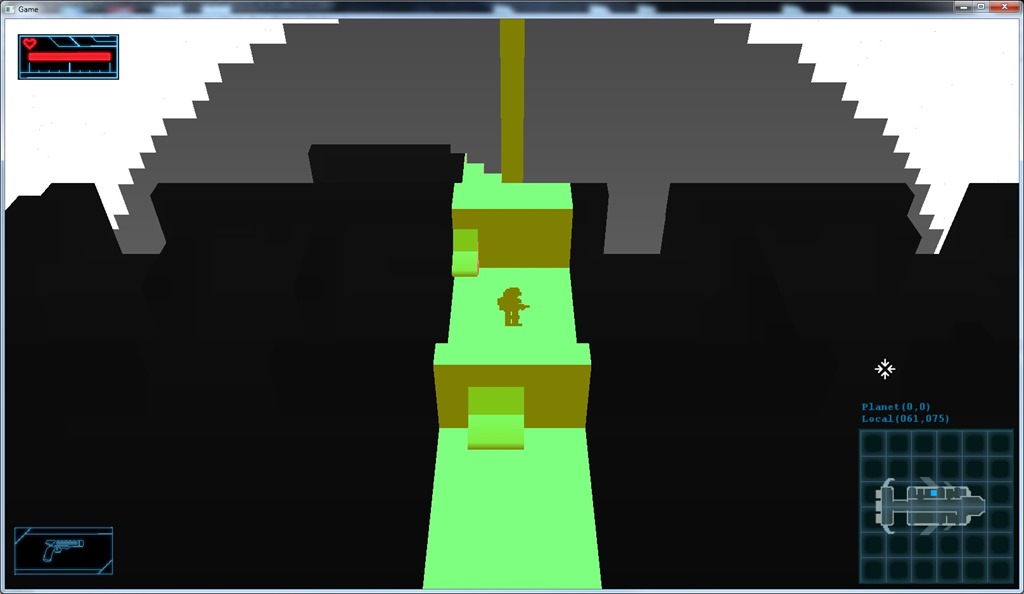
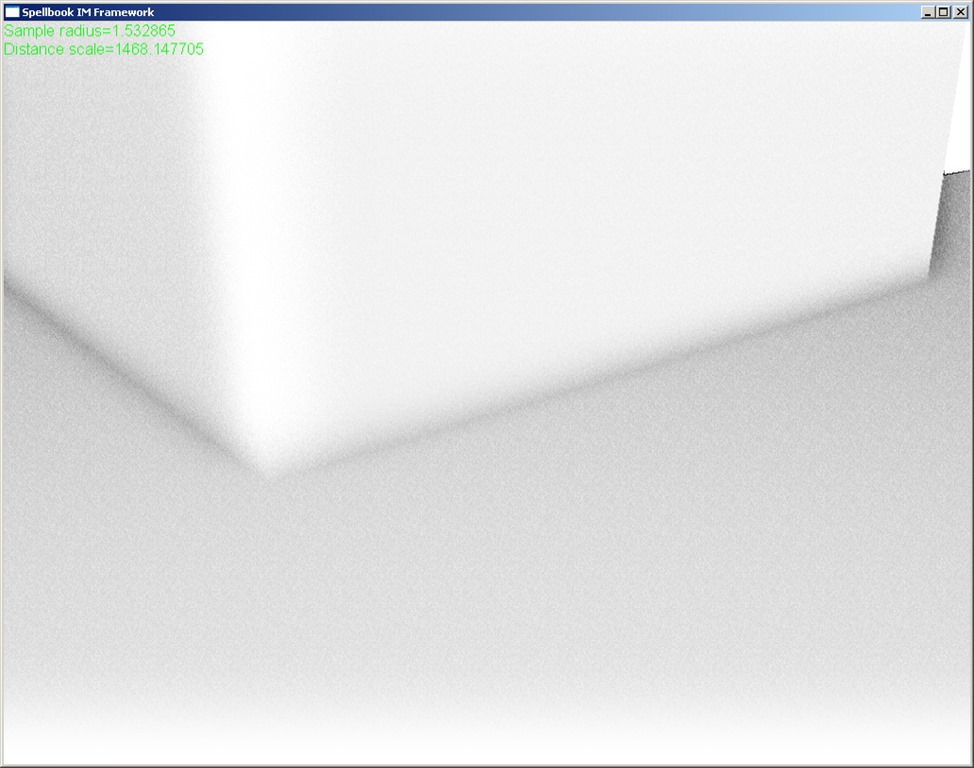
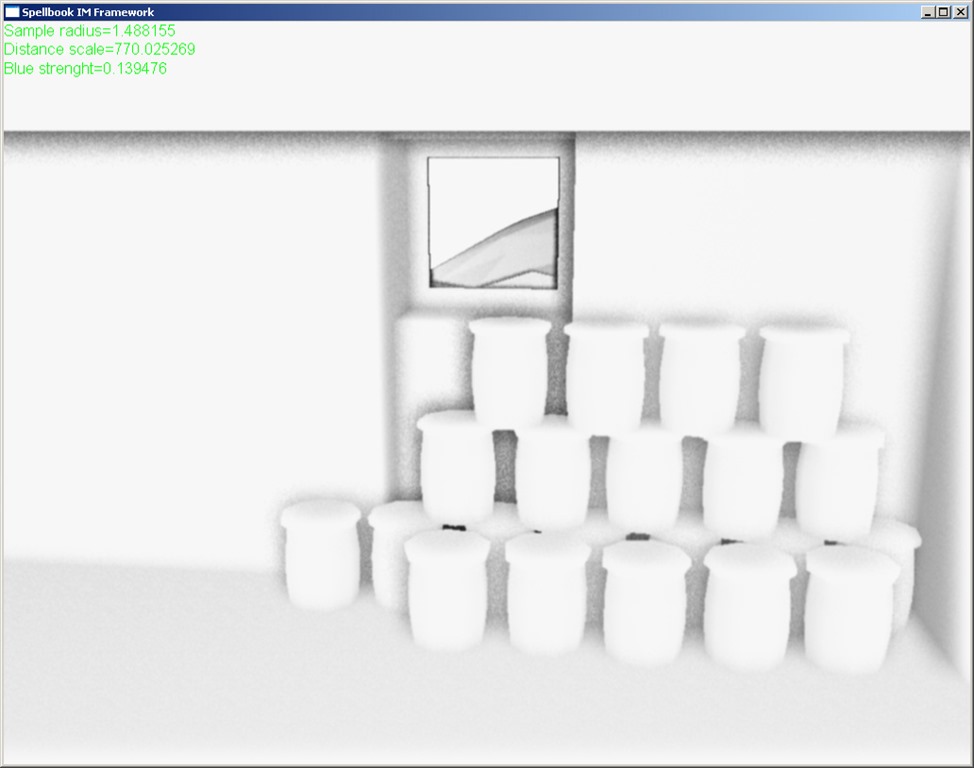
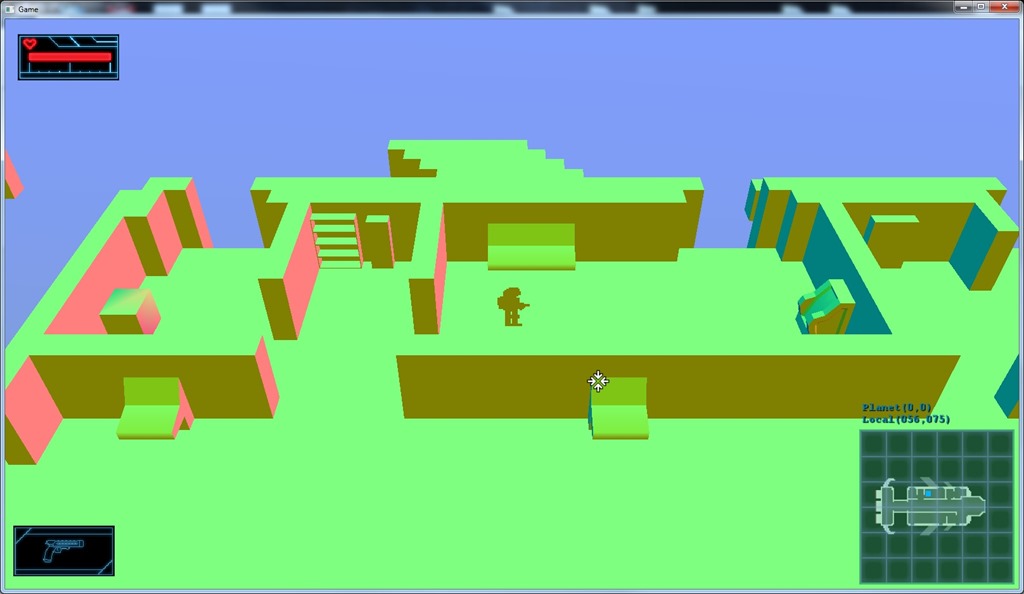
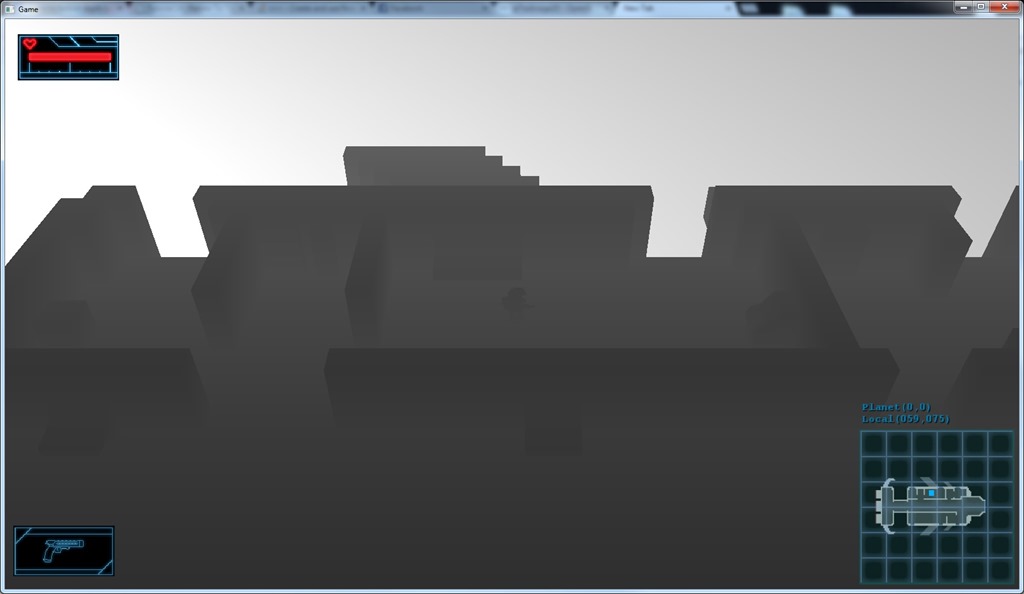
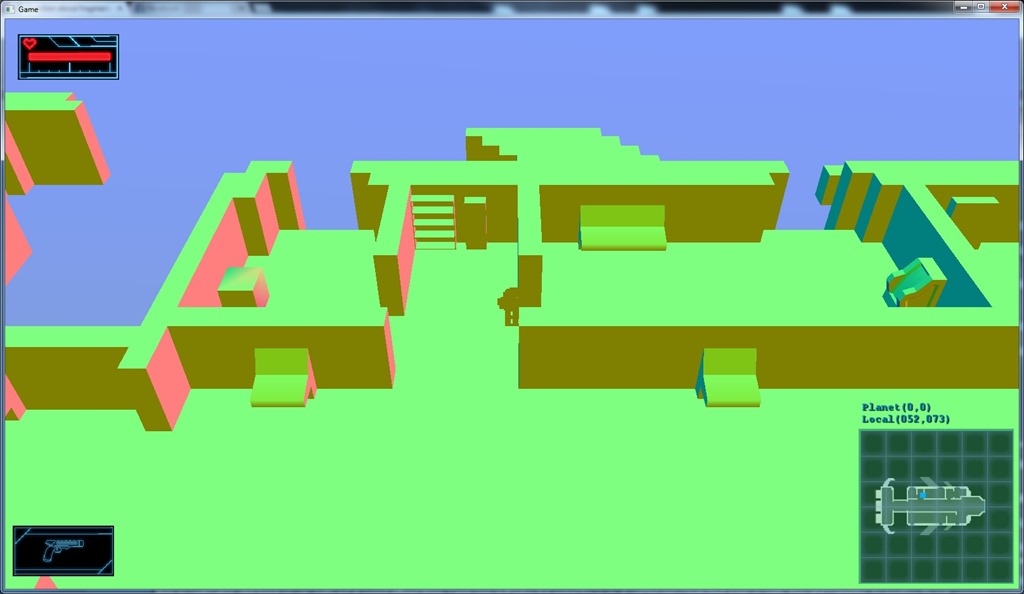
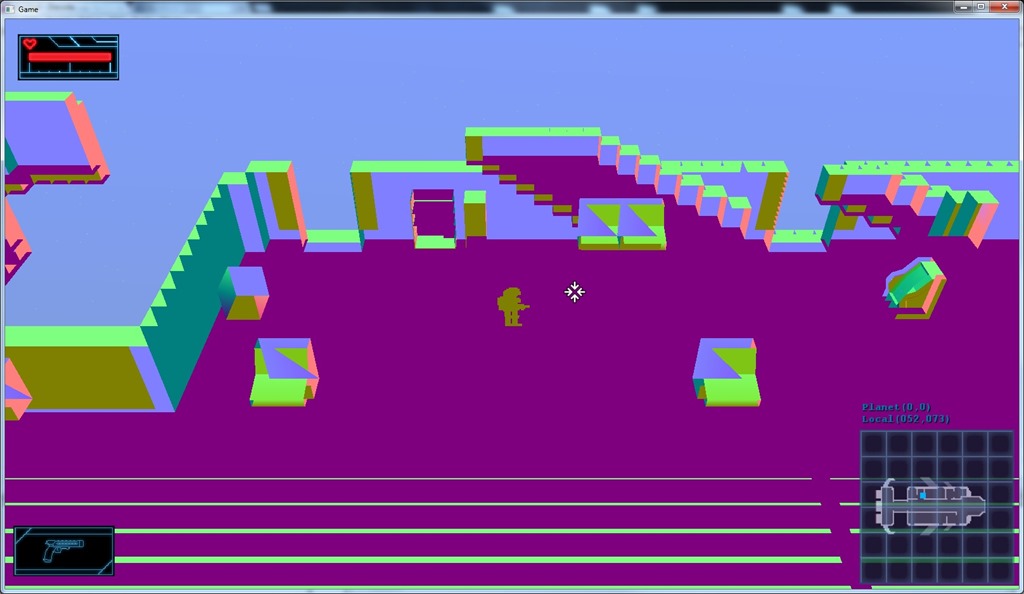
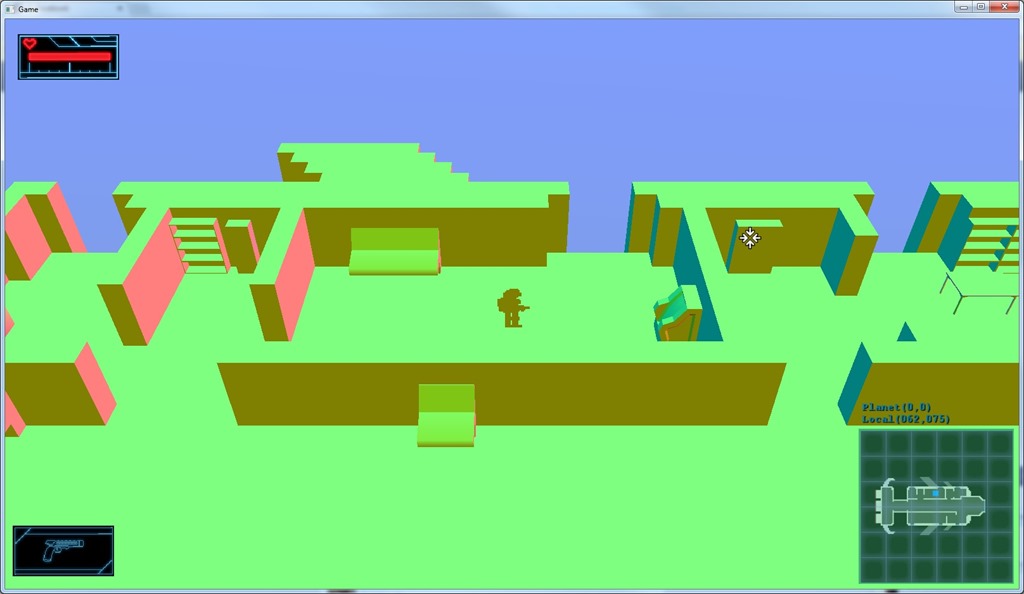
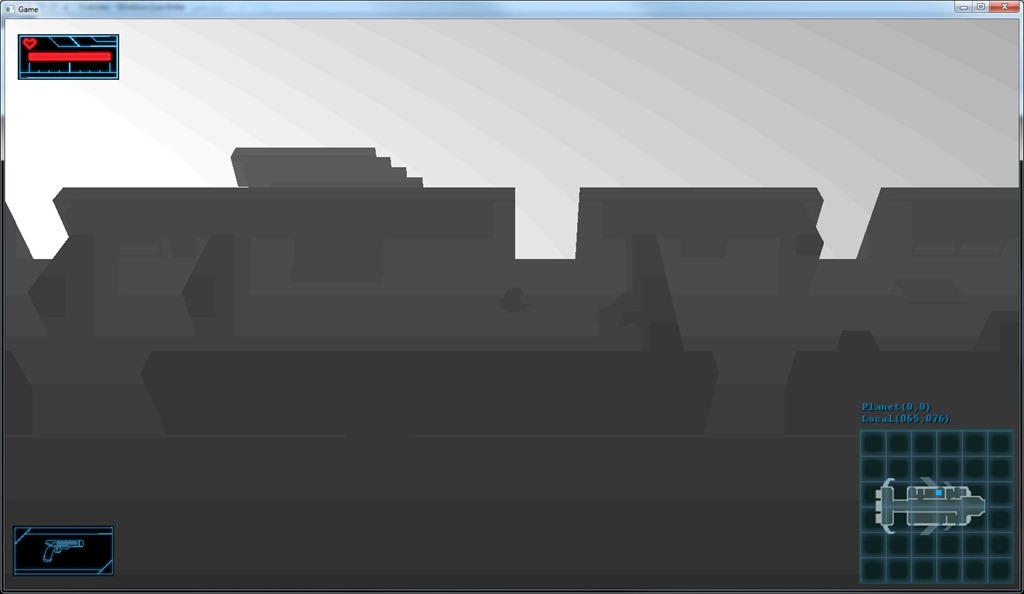
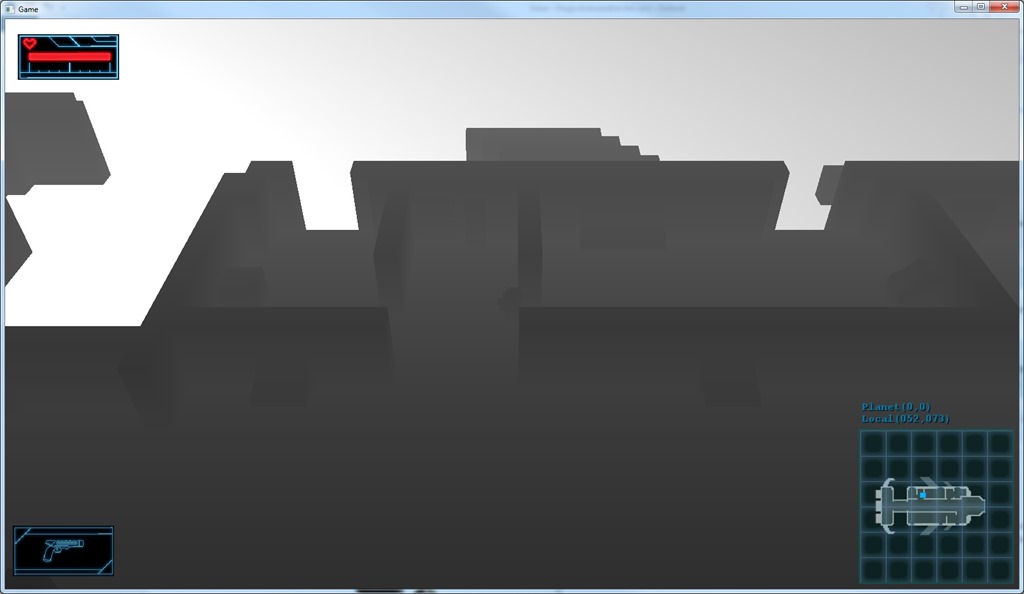
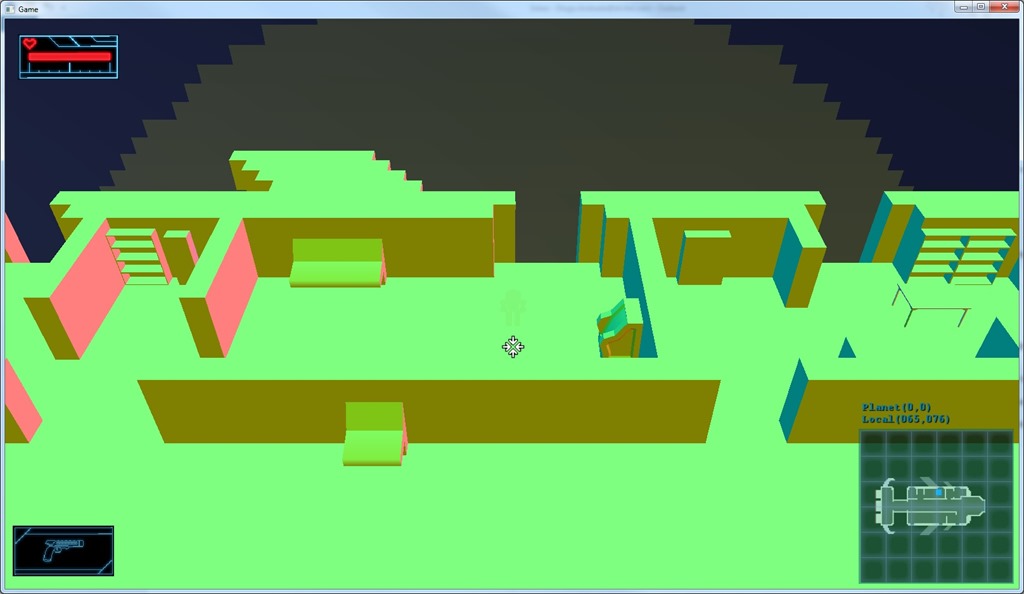
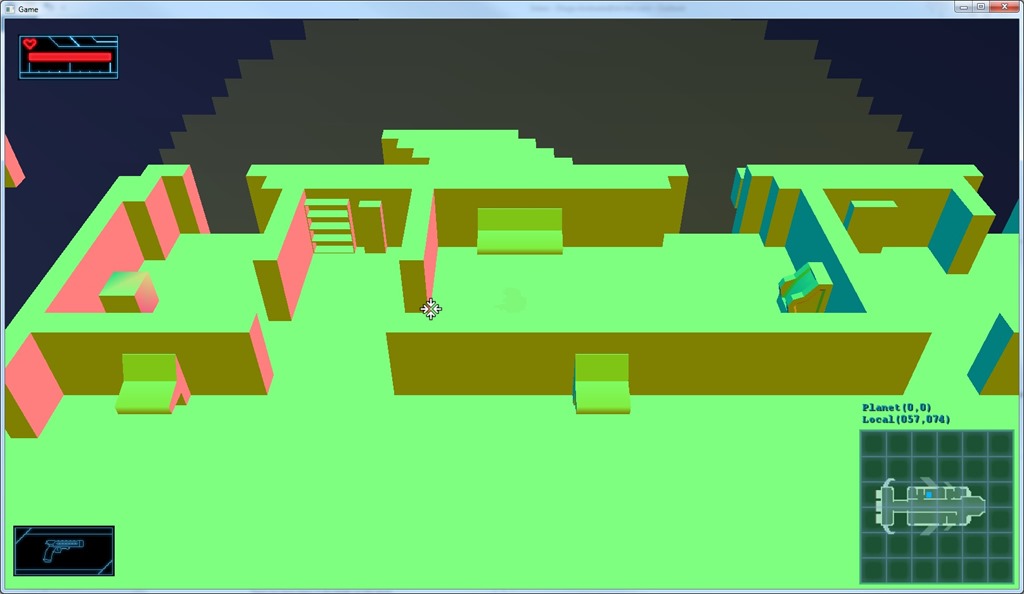
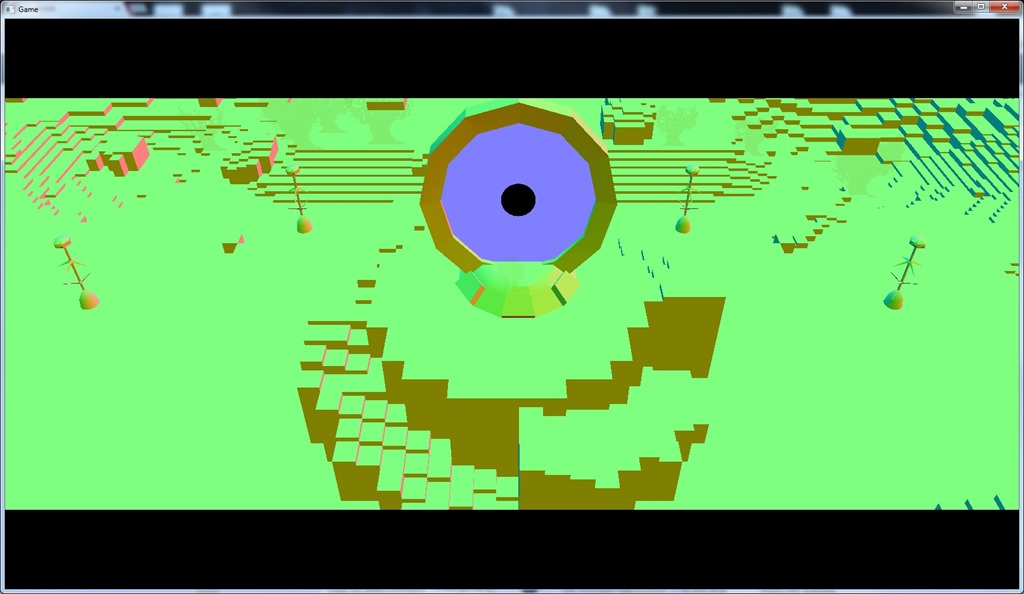
..and it didn’t go very well…
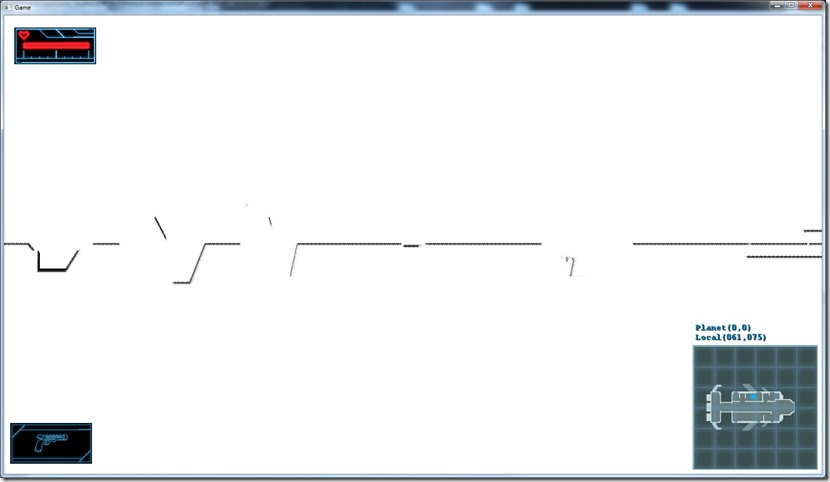
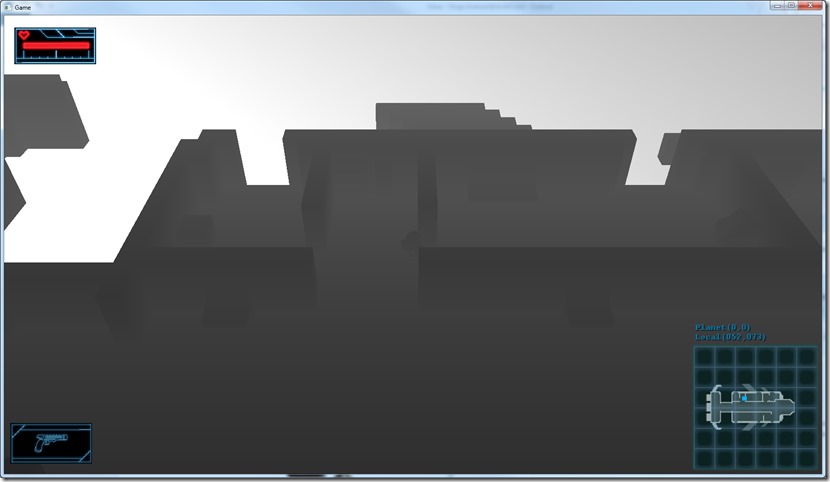
I can distinguish some features (if I move around), but it seems… wrong…
It’s like only the part in the middle Y of the screen is having ambient occlusion computed more or less correctly, and I’ve been looking at this shader for almost one hour and I can’t figure out exactly where things are going wrong…
My guess is that the depth is being computed wrong, but I’m not seeing how…
Well, time to look at it with a bit more attention…
Now listening to “The Grand Design” by “Edenbridge”
Link of the Day: Found this very nifty utility to create pixel art and (more importantly) to create procedural tiles… It’s actually easy to use and will definitely come in handy on my 48-hour compos! It’s “pay-what-you-want”, so check it out: http://pnjeffries.itch.io/spartan-procjam-edition
For the SSAO, we have to compute a basis for the points to be able to do the random sampling…
My linear algebra was a bit rusted, but I found the Gram-Schmidt process to be useful for this. Basically it creates a geometric orthogonal from vectors, which define a local space, in my case aligned along the normal vector of the surface.
Displaying the tangent vector with the noise included, I get something like this:
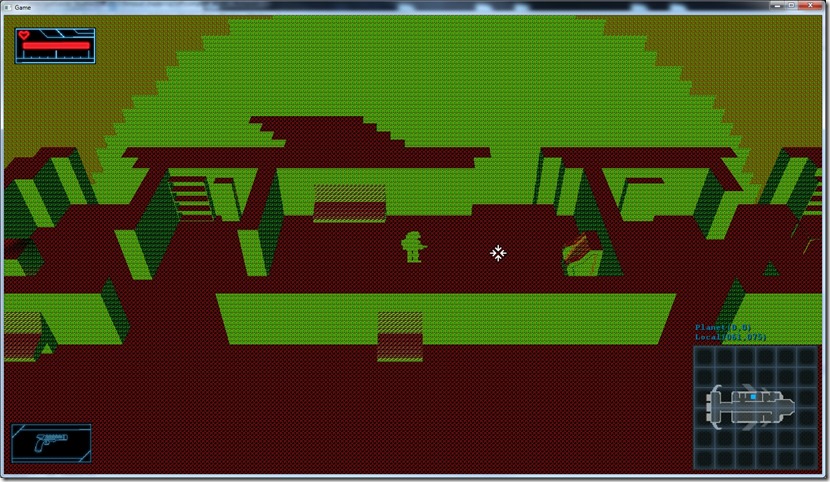
It looks a bit silly, but it makes total sense when you map the colors to actual vectors, which shows the AO process is going nicely so far…
Now listening to “Paris Kills” by “The 69 Eyes”
Link of the Day: Another excelent documentary by “Ahoy”, now focusing on the history of the open world games:
Working on this a couple of hours at a time is not efficient, but time has been rather short lately…
Anyway, added view-space normals to the renderer, so I can do the screenspace effect:
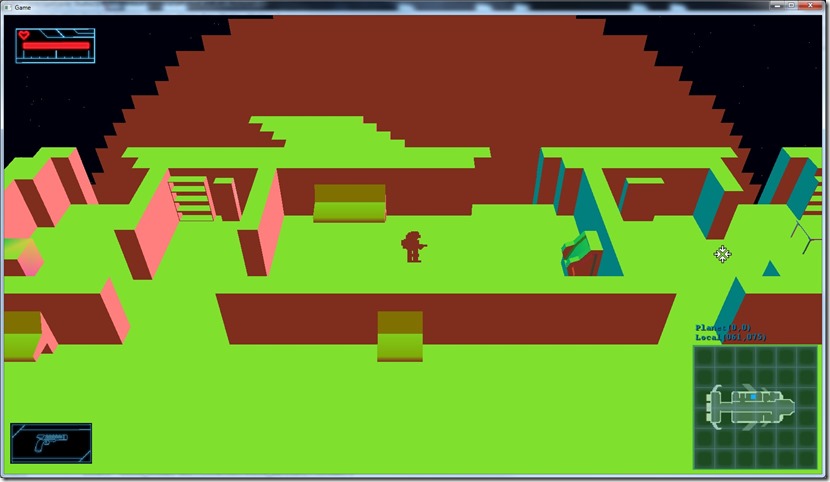
It doesn’t seem very different, but it is… 
Anyway, I need the view-space normals because I’m using view space positions, and I need to change them so I can project the new position to check for the occlusion…
Next step is to get the random texture and the kernel in for randomly sample the depth map.
Now listening to “Of Rust And Bones” by “Poisonblack”
Link of the Day: Very interesting article on path-tracing and application on fractal rendering. Fractals are very interesting from a mathematic perspective and they’re beautiful to look at as well: http://blog.hvidtfeldts.net/index.php/2015/01/path-tracing-3d-fractals/
So today I started implementing SSAO, and it was demoralizing… 
I was looking into my old SSAO shaders, and I decided to implement the simple version before moving towards more complex versions, and I hit the first hurdle…
When I started work on my deferred renderer (which was going to be used by the SSAO stuff), I had to compute the world position of the pixel of the rendered image, based only on the depth at that point. But at the time, I wasn’t getting the math right, and since I had a self-imposed deadline, I cheated and stored the world position into one my render targets, to be changed at a later time… Well, that later time never came, which means that the reconstruction of the position was never done… Since I don’t want to make the same mistake again, I started working on that for this shader… and again, I couldn’t get the math right!
After a long time looking at the math and the parameters, etc, I finally found out what the problem was… I was computing the position correctly, yes, but relative to the camera, not the actual world position. So, basically I was interpreting the data wrong…
After this revelation, I could change the shader to display normals if the distance in X is lower than 10, and the depth if it’s higher:
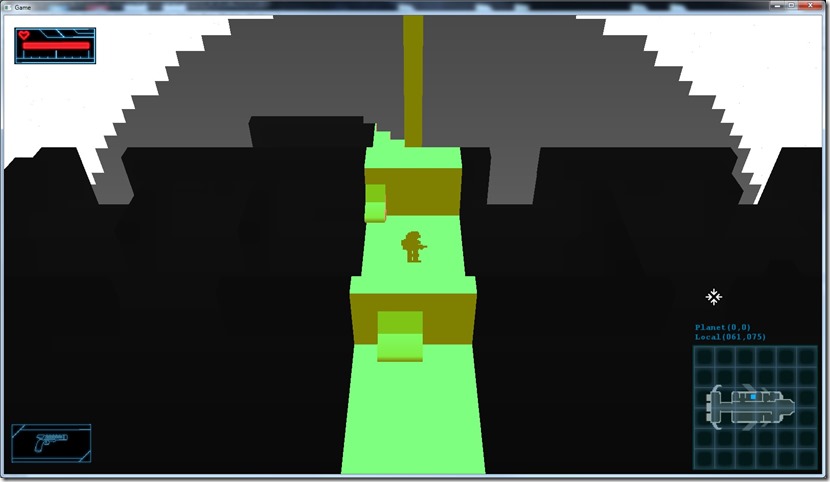
I think view-space position is good enough for AO, since it’s all relative for its sake, but then I still have the problem of the normal… The normal is a world-space normal, so maybe I have to change it so it’s a view-space normal instead to be able to use it this way, which would require me to do some math on the pixel shader to account for that… Need to check if I actually need it in view-space… I can find good reasons for both, so I really need to go into the math… 
Now listening to “The Metal Opera, Part I” by “Avantasia”
Link of the Day: All gamers have a backlog… Mine is mostly on Steam, and thanks to this nifty site, I can see how much time it would take me to play through all my unfinished games on Steam: About 105 days… Check yours out at http://steamleft.com/
Today I started working on my ambient occlusion effect…
I’m reading up on techniques, etc… There’s one million flavors of SSAO (ScreenSpace Ambient Occlusion) out there, but most are too sophisticated or outside of my target hardware for me to consider… Still, it’s a good idea to read up anyway, so I know what’s out there.
I’ve implemented ambient occlusion in the past on Spellbook:
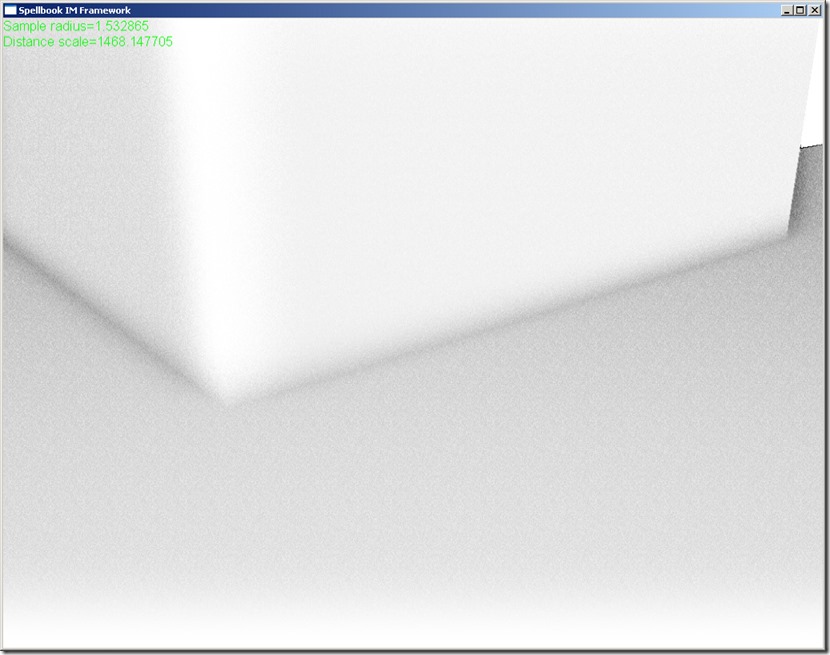
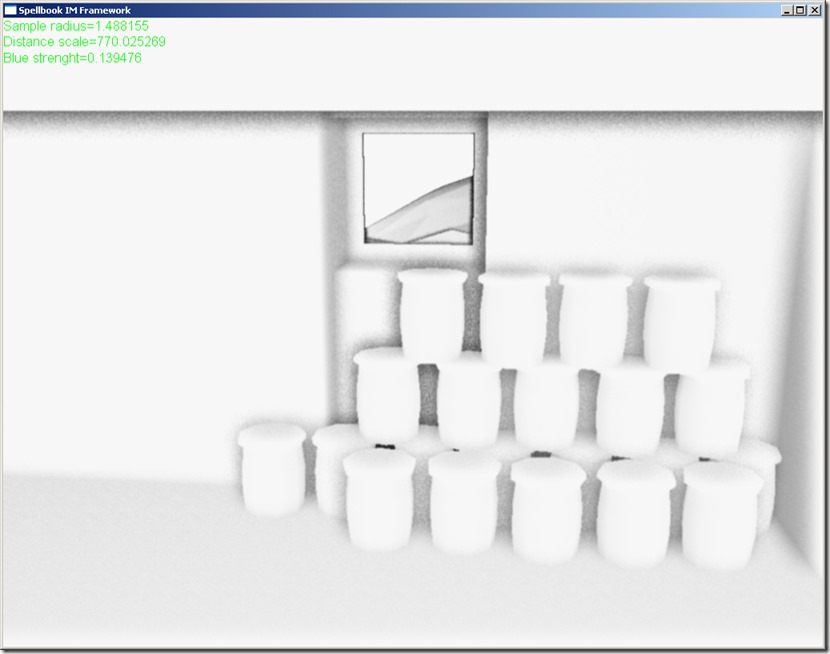
So I’m going to probably start from those shaders and move forward from there… I’m specially interested in the effects in the corners, since most of the level geometry has a lot of corners…
Now listening to “Christ Illusion” by “Slayer”
Link of the Day: This is a nice read… I’m very interested in procedural content generation, as you might have noticed… The idea of a programming environment for procedural generation is quite interesting: http://gamasutra.com/blogs/LeonardRitter/20150109/233821/Conspire_A_Programming_Environment_for_NOWHERE.php
Today I mostly worked on getting the render to texture to work properly on OpenGL…
The nice part is that I didn’t have any kind of issue with the culling, all problems were due to the lack of Z-buffer:
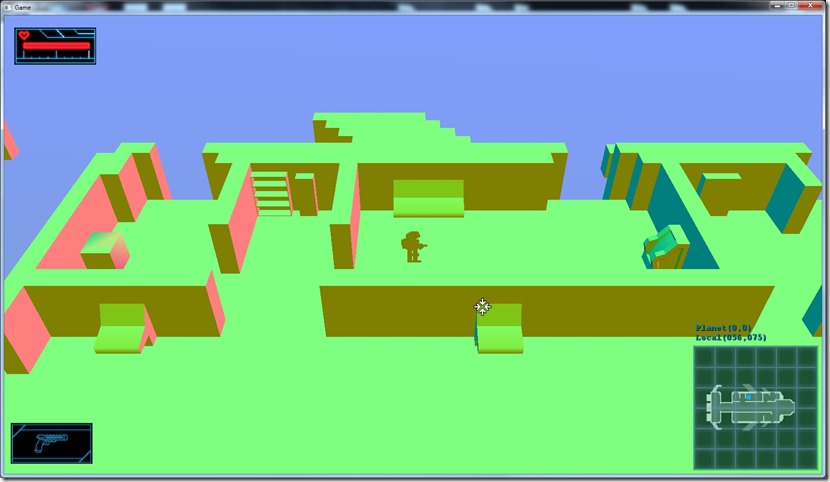
On DirectX, if you set a render target but not set a depth buffer, it uses the one that was already set (usually the one created on startup). But on OpenGL, if you set a rendertarget, you have to actually give it a depth buffer explicitly. So I had to create some code that generated a depth buffer on startup and set that one. It’s a bit silly, in my opinion, but easy enough to solve after figuring out what was the problem…
Still had the problem with the floating point precision buffers on OpenGL.
The issue there was that the documentation was misleading… Most places I saw on the internet (including the Khronos group), said something like this:
“internalFormat: Specifies the number of color components in the texture.”
So that’s what I was using to create the render target (setting it to 4, and using a component of type GL_FLOAT). Although gDEBugger was reporting the texture had the right format, it wasn’t working as intended… But then I found the MSDN entry for the same API call:
“internalformat: The number of color components in the texture. Must be 1, 2, 3, or 4, or one of the following symbolic constants: GL_ALPHA, GL_ALPHA4, GL_ALPHA8, GL_ALPHA12, GL_ALPHA16, GL_LUMINANCE, GL_LUMINANCE4, GL_LUMINANCE8, GL_LUMINANCE12, GL_LUMINANCE16, GL_LUMINANCE_ALPHA, GL_LUMINANCE4_ALPHA4, GL_LUMINANCE6_ALPHA2, GL_LUMINANCE8_ALPHA8, GL_LUMINANCE12_ALPHA4, GL_LUMINANCE12_ALPHA12, GL_LUMINANCE16_ALPHA16, GL_INTENSITY, GL_INTENSITY4, GL_INTENSITY8, GL_INTENSITY12, GL_INTENSITY16, GL_R3_G3_B2, GL_RGB, GL_RGB4, GL_RGB5, GL_RGB8, GL_RGB10, GL_RGB12, GL_RGB16, GL_RGBA, GL_RGBA2, GL_RGBA4, GL_RGB5_A1, GL_RGBA8, GL_RGB10_A2, GL_RGBA12, or GL_RGBA16.”
A bit more complete and made obvious what the problem was!
After changing that parameter, everything worked fine:
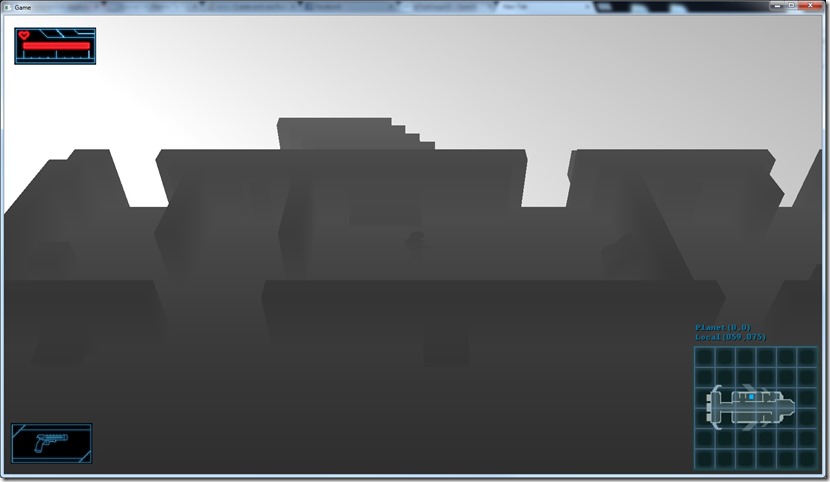
Next step is applying a ambient occlusion on the data and store the result on a texture that we use on our shaders…
Now listening to “Aurora Consurgens” by “Angra”
Porting the render to texture code to OpenGL, and a lot of small problems appeared… of course…
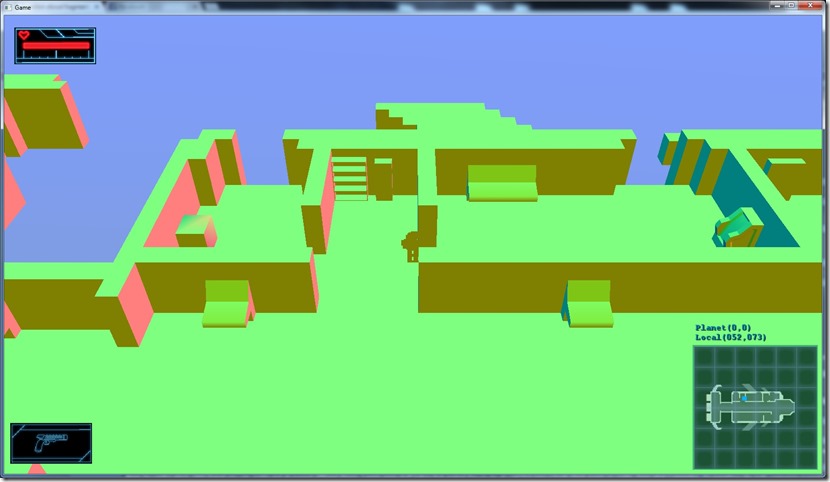
This is what I wanted as end result:
This is what I get:
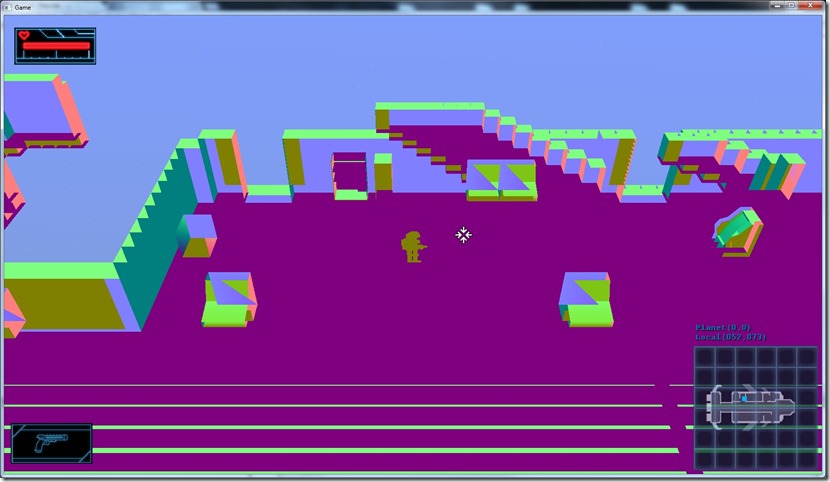
I seem to have a lot of issues…
1) It seems I have no Z-buffering: The wall that should be to the left of the player isn’t displaying, probably because it was displayed and then got removed by the floor (because that’s drawn afterwards)
2) There seems to be inverted back face culling (I’m seeing the back face of stuff, not the front face, except for objects that don’t use back face culling like the player)
3) Not really noticeable, but the “floating point texture” is not floating point (probably something wrong with the creation, but I’m really confused about the use of the 3rd parameter of glTexImage2D).
Tomorrow I’ll get back to it…
Now listening to “Blackwater Park” by “Opeth”
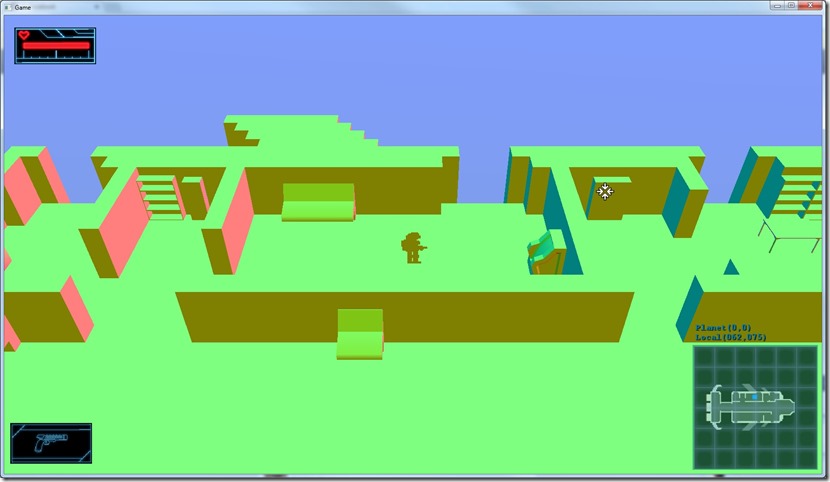
Added an override system for most graphics operations… Was a bit of work, time-wise, but easy stuff!
Now I can get a screen with just the actual normals:
or depth (exaggerated, so we can actually notice the difference):
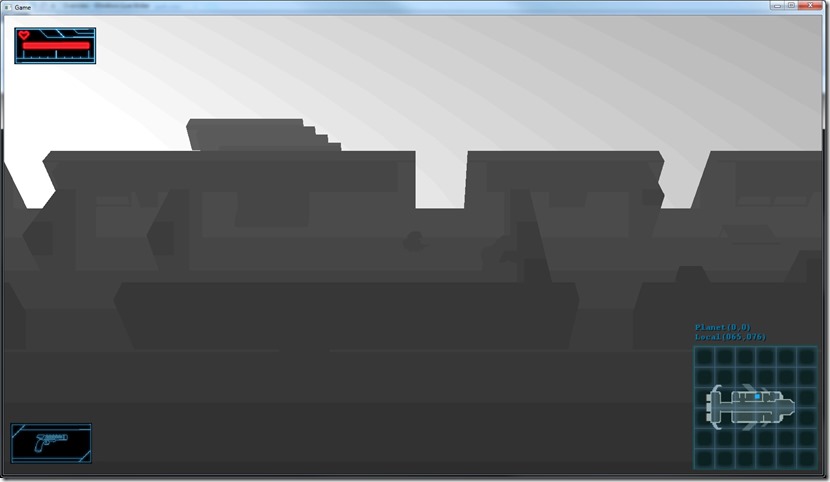
The lines are due to the fact that the render target is just a normal 8-bit render target…
We’ve also added the option to make it a 16-bit and a 32-bit render target:
Much smoother…
Now I need to make this work on OpenGL…
Now listening to “Atlantis” by “Atrocity”
Link of the Day: I’m a sucker for Marvel/DC movies/shows, so this brings me happiness:
Good news, everyone! Got render to texture working (on Direct3D only for now)…
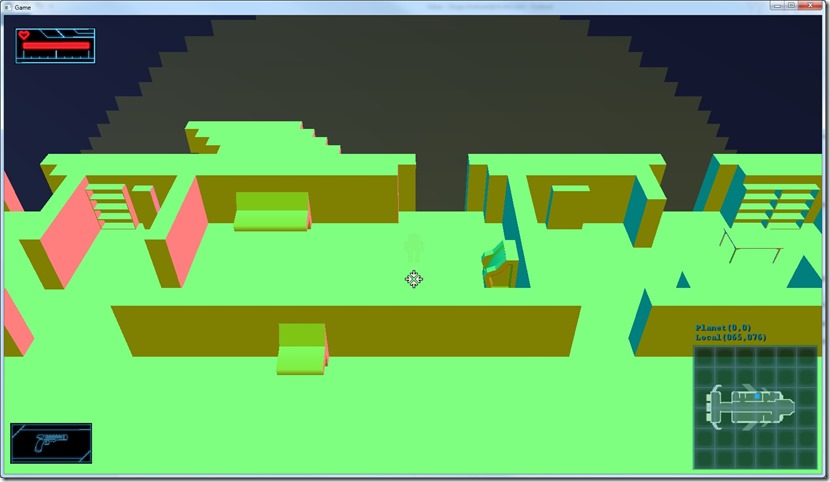
Bad news…
Above we should only see the normals of the scene (world space), but the player character is transparent… The reason is that it gets rendered with alpha blending, since I don’t have a global way to shut it down…
Need to figure out a way of doing that in a non-intrusive way…
Now listening to “Greatest Hits” by “Peter Gabriel”
Link of the Day: Although not very useful nowadays except in very specific cases, here’s a link containing techniques for doing pseudo-3d roads (and other road-like structures) without 3d hardware… It’s awesome seeing how these problems were addressed in the past, and sometimes you need old school solutions for new problems: http://www.extentofthejam.com/pseudo/
Just finished porting the per-pixel shaders to OpenGL, as well as the normal+depth shader:
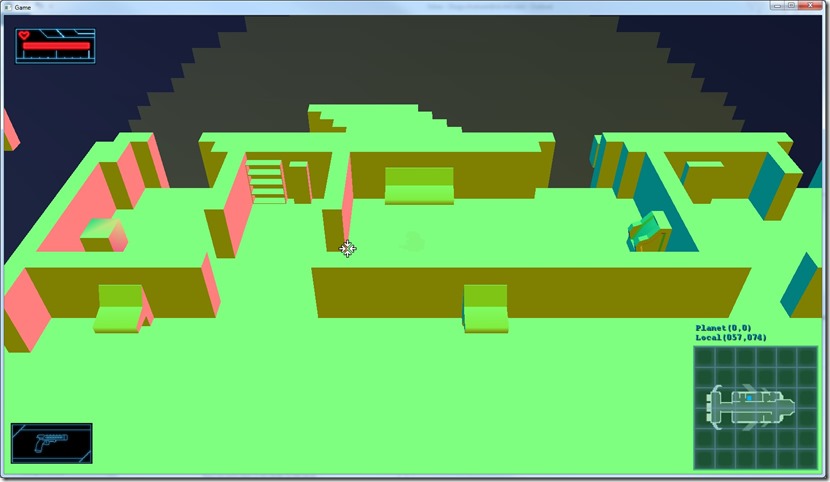
It was actually easier than to make the Direct3D shaders, since I already knew where the traps were! 
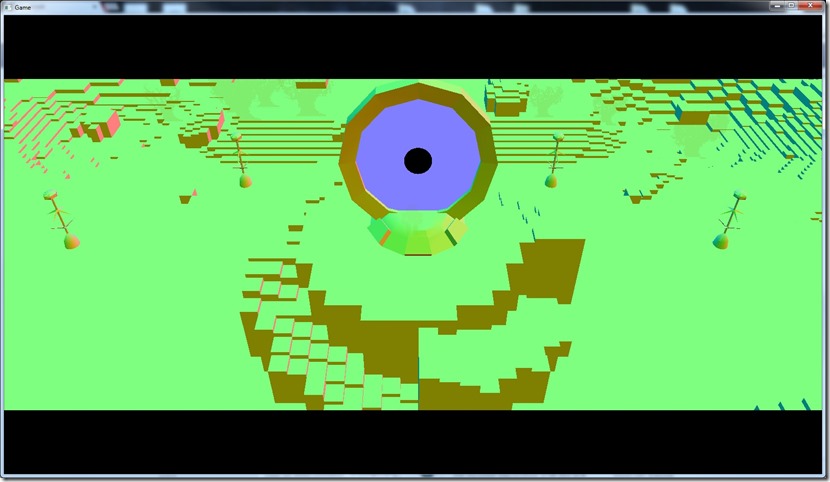
Next step is to get render to texture working on D3D and OpenGL and see if I can use the results of a previous render on a new one… One more step towards ambient occlusion… This is so much work, I really hope it pays off in terms of visuals!
Now listening to “Trinity” by “Visions of Atlantis”
Link of the Day: Some indie studios really have good artists and with current tools there’s really no limit to what they can achieve… The line between AAA and indie becomes more and more blurred: