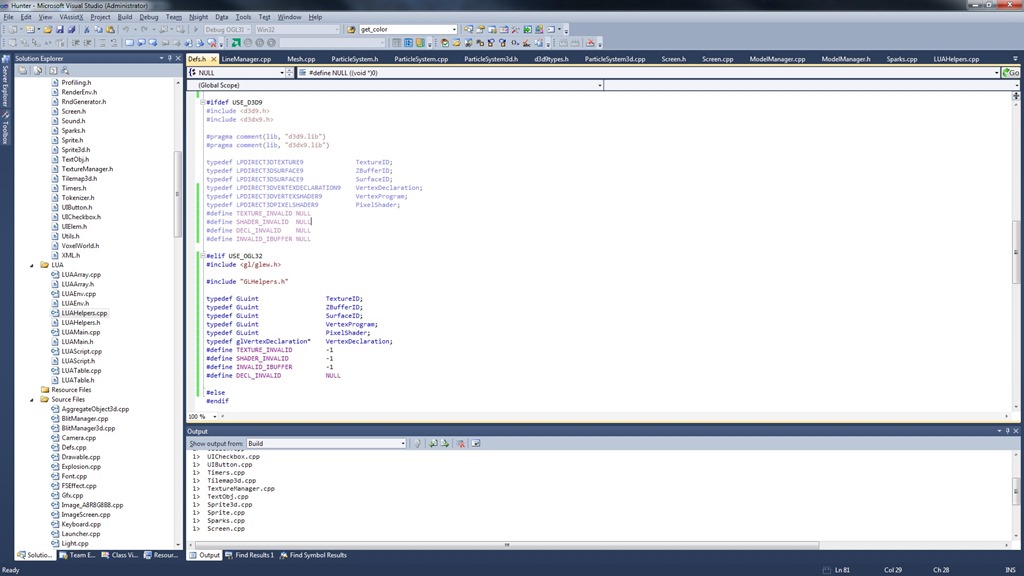
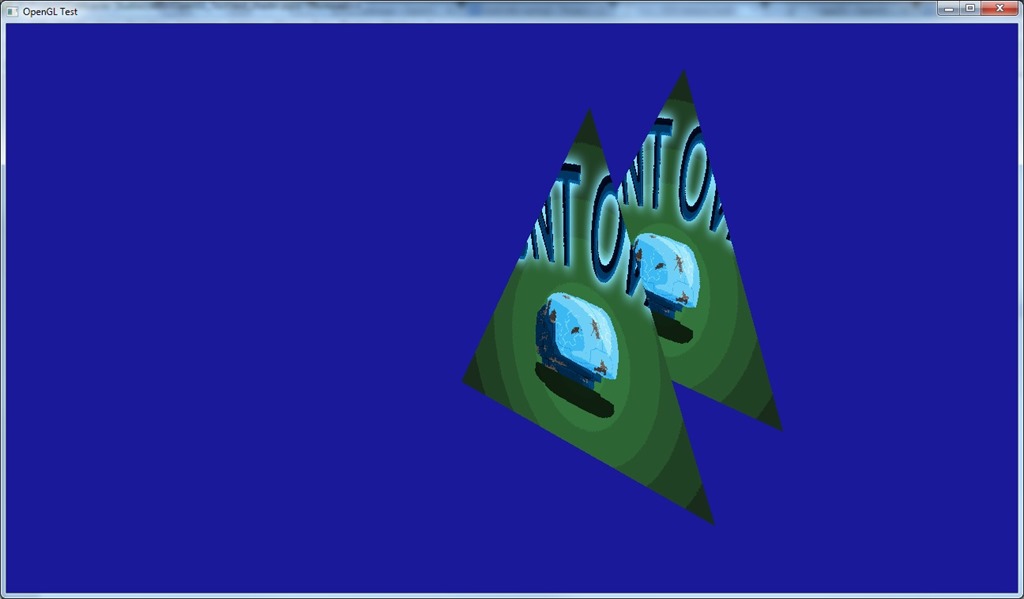
Well, nothing blog-worthy today, really…
It was mostly just clearing the D3D code (or more precisely, putting it behind the #defines that shut it down), and replacing structures and enums (like primitive type) by more cross-platform ones…
So, very boring, and very necessary…
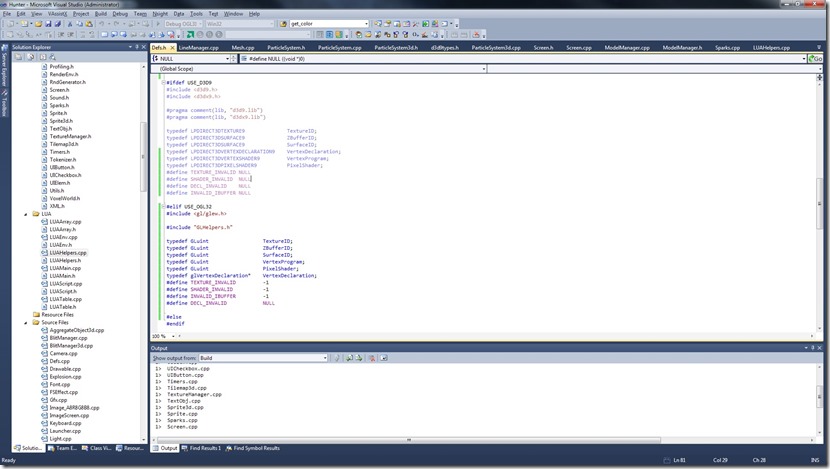
I’ll probably spend the next few days working on this OpenGL porting, wish me luck! 
Now listening to “The Dark Ride” by “Helloween”
Today I integrated GLSL Optimizer to my shader code…
It had some quirks:
-
Doesn’t accept #line directives with name of the files, so I have to strip that when feeding it
-
Doesn’t accept OpenGL 3.30 shaders
This last one isn’t that bad, although I was using 3.30 shaders (the tutorials I was using were using them as well).
The problem with that I had some difficulty understanding the bindings between the actual vertex shader and the vertex buffer.
Previously I had something like this on the shader:
layout(location = 0) in vec3 vPos;
layout(location = 1) in vec4 vColor;
layout(location = 2) in vec2 vTex0;
And this on the code:
glBindBuffer(GL_ARRAY_BUFFER, vertexbuffer);
glVertexAttribPointer(
    0,                  // attribute 0.
    3,                  // size
    GL_FLOAT,           // type
    GL_FALSE,           // normalized?
    sizeof(float)*9,    // stride
    (void*)0            // array buffer offset
    );
glVertexAttribPointer(
    1,                  // attribute 1.
    4,                  // size
    GL_FLOAT,           // type
    GL_FALSE,           // normalized?
    sizeof(float)*9,                  // stride
    (void*)(3*sizeof(float))            // array buffer offset
    );
glVertexAttribPointer(
    2,                  // attribute 2.
    2,                  // size
    GL_FLOAT,           // type
    GL_FALSE,           // normalized?
    sizeof(float)*9,                  // stride
    (void*)(7*sizeof(float))            // array buffer offset
    );
So, it was explicit on the declaration of the shader which part of the VBO would be fed to which variable…
With 1.50 shaders, I have now:
attribute vec3 vPos;
attribute vec4 vColor;
attribute vec2 vTex0;
Which mean I should have to do something like:
glBindBuffer(GL_ARRAY_BUFFER, vertexbuffer);
glVertexAttribPointer(
    glGetAttribLocation(program_id, "vPos"),
    3,                  // size
    GL_FLOAT,           // type
    GL_FALSE,           // normalized?
    sizeof(float)*9,    // stride
    (void*)0            // array buffer offset
    );
glVertexAttribPointer(
    glGetAttribLocation(program_id, "vColor"),
    4,                  // size
    GL_FLOAT,           // type
    GL_FALSE,           // normalized?
    sizeof(float)*9,                  // stride
    (void*)(3*sizeof(float))            // array buffer offset
    );
glVertexAttribPointer(
    glGetAttribLocation(program_id, "vTex0"),
    2,                  // size
    GL_FLOAT,           // type
    GL_FALSE,           // normalized?
    sizeof(float)*9,                  // stride
    (void*)(7*sizeof(float))            // array buffer offset
    );
But this seems awfully slow (there’s a text lookup there somewhere), or it means I have to make the vertex declaration part of the material, instead of part of the mesh (as it is currently).
But when I ran the program without that, it worked fine… So there must be some way the system is doing the actual binds with indexes…
After mucking around, I found out that it seems the system uses the sequential order.
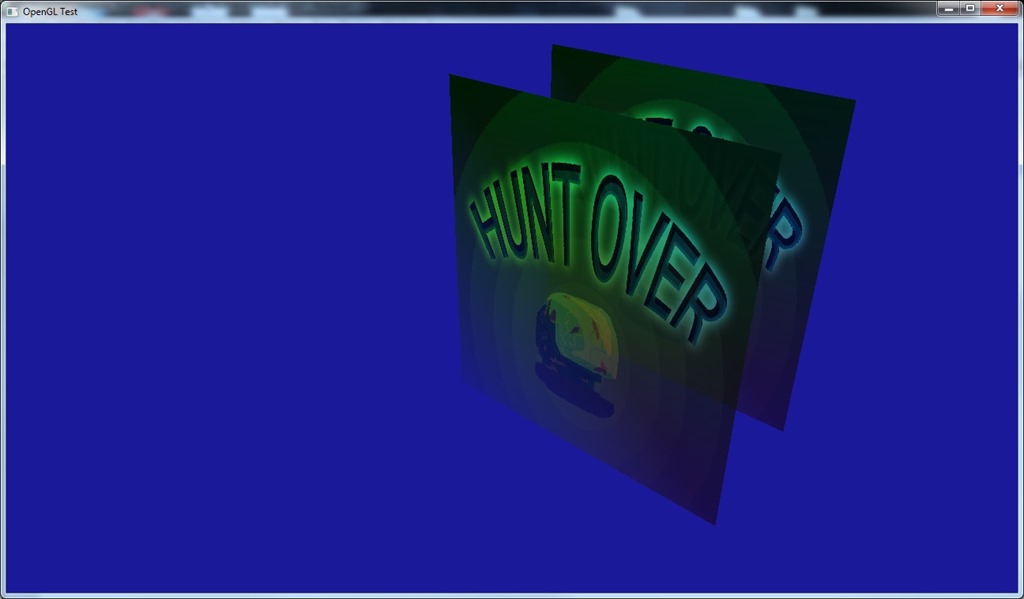
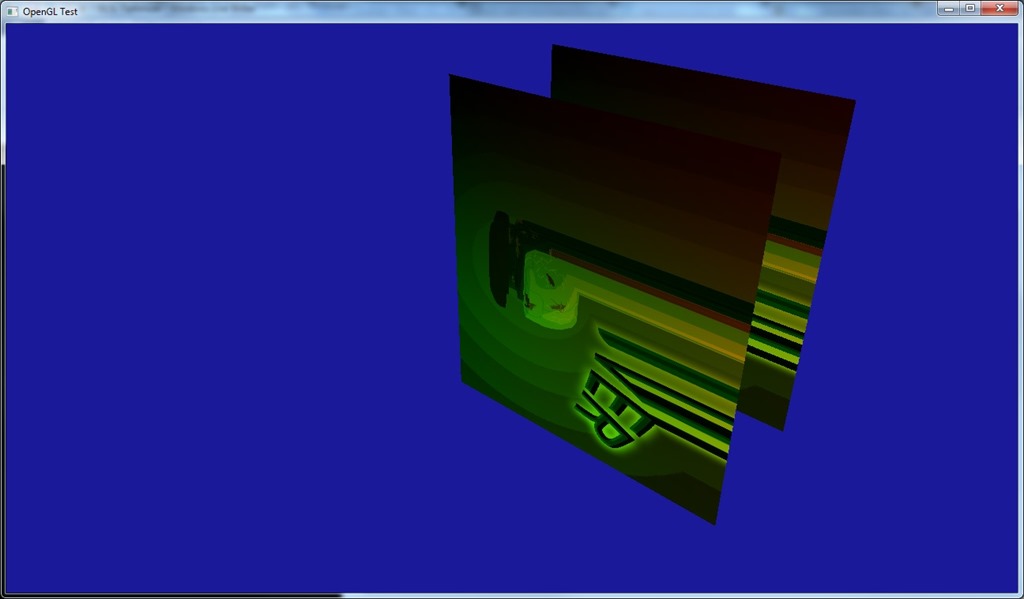
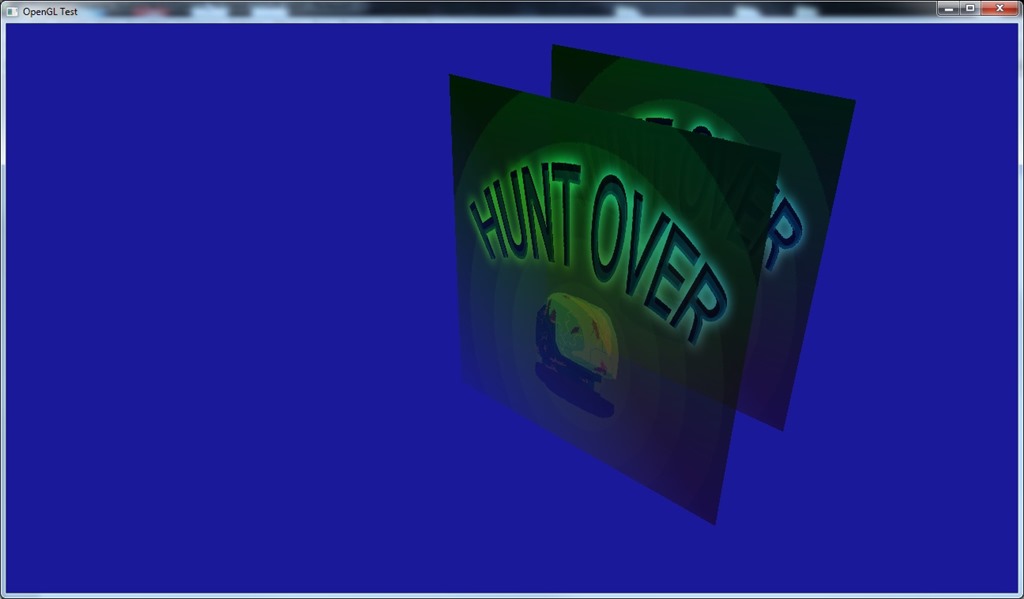
So, if I declare it like above, I get:
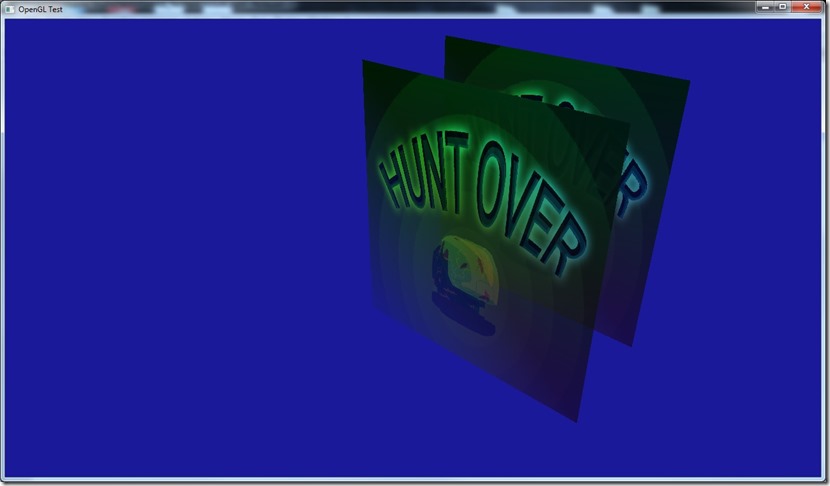
But if I instead declare:
attribute vec3 vPos;
attribute vec2 vTex0;
attribute vec4 vColor;
I get:
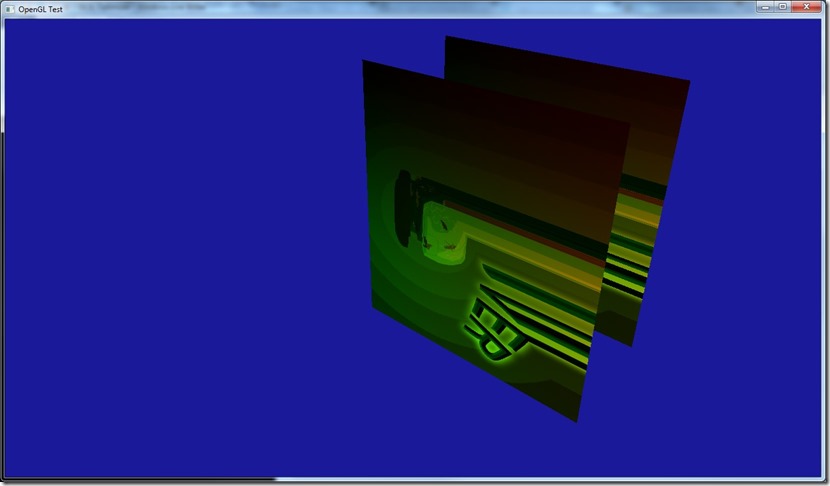
Which is what I expected if I swap the texture with the color…
So, the order is important (which is what I assume in the rest of the engine, so no problems there)…
I’m still worried that on other devices/video cards this will work in another way which screws up my system, but I’ll implement it like this for now and wait for testing to see if I should swap things around…
There’s a lot of stuff on OpenGL I don’t understand yet… Especially because I feel there’s a whole lot of stuff that shouldn’t work, but works perfectly… So I really need to get some tests going, at least in the 3 main vendors (ATI, nVidia, Intel).
The good part is that GLSL Optimizer works like a charm, it builds a nice optimized shader as I wanted. The only inconvenience is that it doesn’t have proper line numbers (so there’s no match between the original shader and the optimized one, in case there’s problems), but I built a work around on that for development purposes, which compiles the un-optimized shader first (detects syntax errors, etc), and if that succeeds, then it builds the optimized… Under the release version, I can remove this, of course…
Tomorrow I’ll start working on putting the OpenGL into Cantrip, see if I can do it in the next few days… At the time of writing, next week I’m going to the Netherlands for work, so I wanted to have this done by then… At the time of reading, I came back yesterday! 
Now listening to “Believe in Nothing” by “Paradise Lost”
Today I worked on building a preprocessor for GLSL…
Well, I didn’t exactly built a preprocessor, GLSL has one (contrary to what I understood previously), but it doesn’t work like the Direct3D one. On the D3D one, when I ask him to compile a shader, I give him a series of preprocessor macros and he uses that set. On OpenGL, I have to actually include in the text of the shader the macros so he’ll expand them.
So, basically, what I’ve built is a system to handle this (without screwing up line numbers in case of errors), and to deal with including other files (again, considering the line numbers and such).
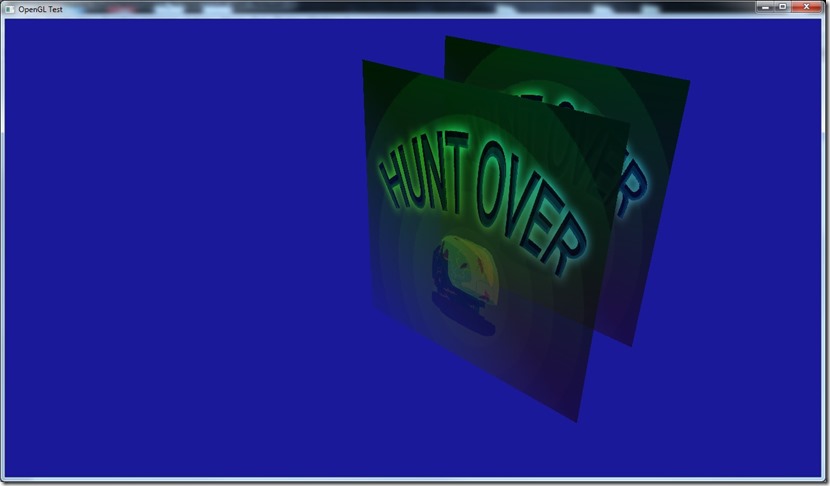
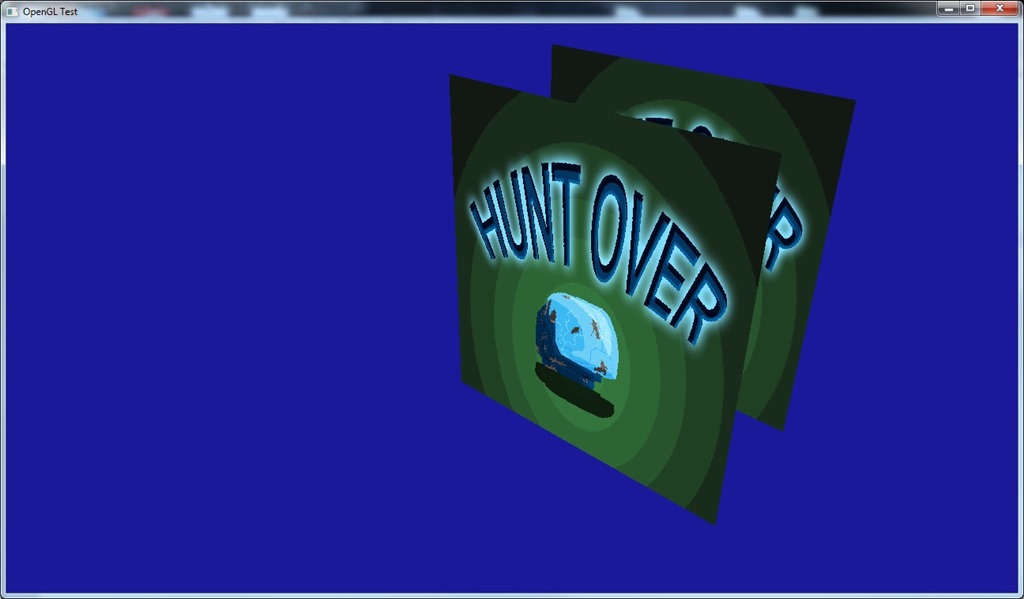
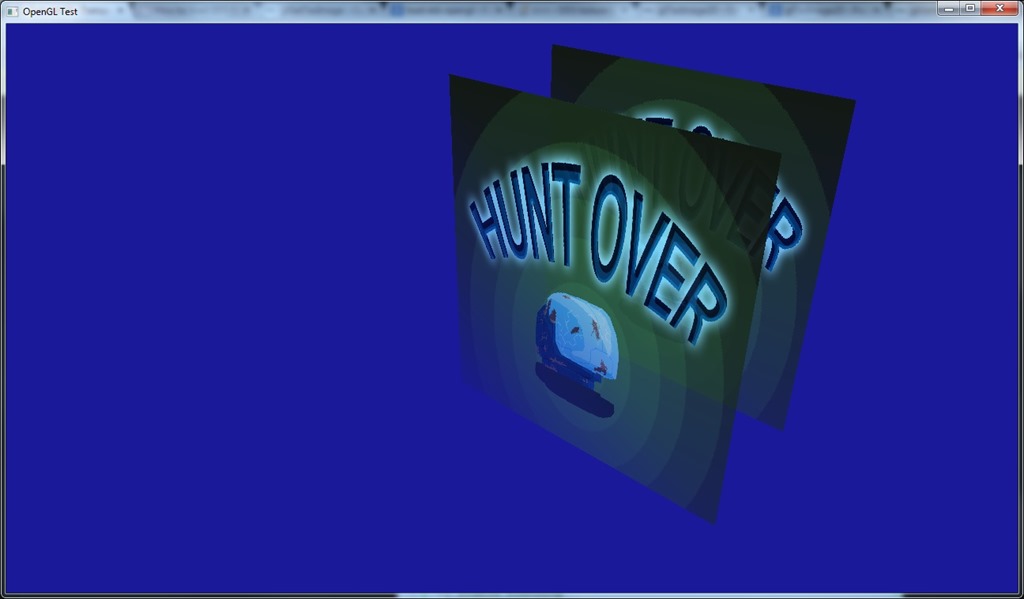
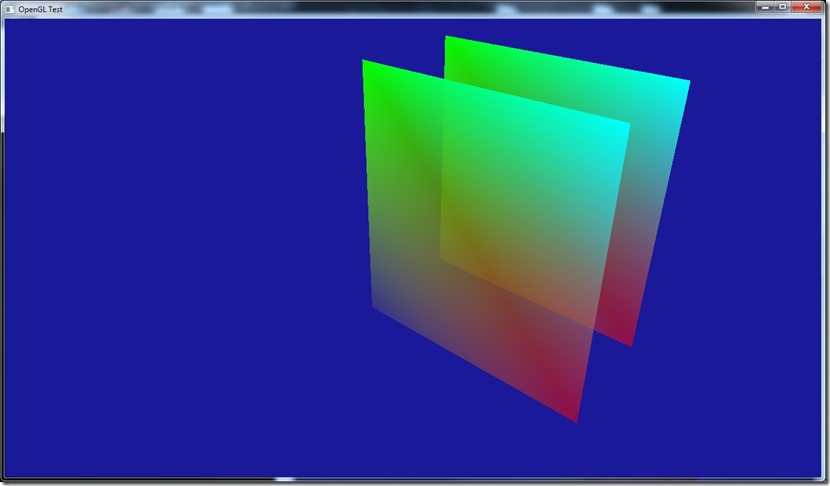
This is the result of compiling conditionally on a #define… The above is with texturing enabled (“#define texture0_enabled true”), below is with that define set to false:
Now, on the shader I have something like:
in     vec4 fragmentColor;
in    vec2 fragmentUV;

out vec4 color;

void main()
{
    if (texture0_enabled)
    {
        color.rgba=texture(texture0,fragmentUV).rgba*fragmentColor.rgba;
    }
    else
    {
        color.rgba=fragmentColor.rgba;
    }
}
When expanded, it becomes internally something like:
in     vec4 fragmentColor;
in    vec2 fragmentUV;

out vec4 color;

void main()
{
    if (false)
    {
        color.rgba=texture(texture0,fragmentUV).rgba*fragmentColor.rgba;
    }
    else
    {
        color.rgba=fragmentColor.rgba;
    }
}
We know the system will never go into the first branch of the if, but the compiler doesn’t necessarily remove that piece of code, which means that there is a possibility (especially on mobile devices) that it will put in both branches in the compile shader and use some math to shift between one and the other (although it will always select the second one), which is inefficient. This is another place where D3D does a superb job…
Anyway, I have three different solutions to this issue. One is not use an actual if, but use something like:
in     vec4 fragmentColor;
in    vec2 fragmentUV;

out vec4 color;

void main()
{
#if (texture0_enabled)
    color.rgba=texture(texture0,fragmentUV).rgba*fragmentColor.rgba;
#else
    color.rgba=fragmentColor.rgba;
#endif
}
Which is ugly as hell and is harder to work with in normal cases. But after macro expansion, this should behave as expected.
Second, I could build a simple GLSL parser that can detect these cases and remove them… Shouldn’t be that hard, but I have solution 3, which is to use GLSL Optimizer, which is actually part of Unity 3.0+.
Hopefully, that will do all that I require (with some additional bonuses)…
Now listening to “Balls to Picasso” by “Bruce Dickinson”
Link of the Day: I have very fond memories of the ZX Spectrum (well, more accurately, the Timex 2048, but it’s of the same ilk), so this project looks awesome… So remember, Christmas is coming! 
My plan from the start was to use a converter to get my HLSL shaders to GLSL on the OpenGL version of Gateway…
I was going to achieve this by using hlsl2glsl, but after fumbling around it for a bit, I don’t think I can use it without breaking much more stuff than it’s worth:
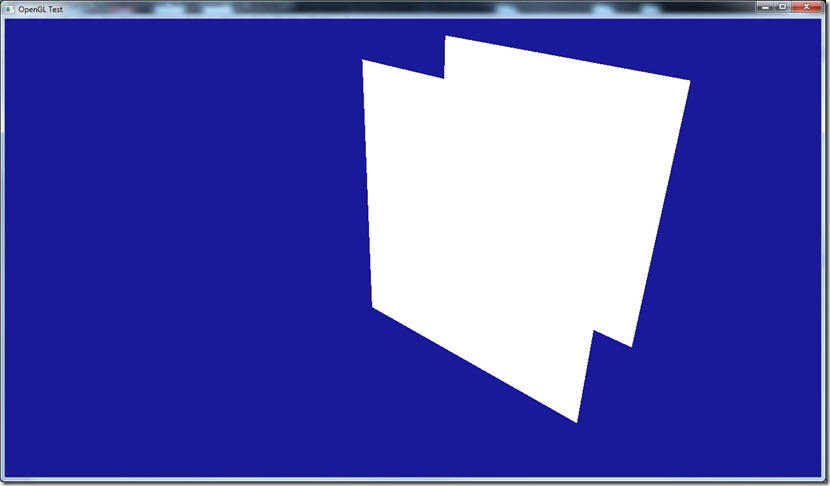
The image above is a very simple HLSL shader converted to HLSL… It works fine, but the image was supposed to be colored and textured…
This particular problem seems to stem from the fact that DirectX/HLSL has very rigid rules regarding input registers (vertex declaration), but OpenGL doesn’t seem to have that, so HLSL ends up lacking the expression power require for it… I could circumvent this by after building the shader seeing where I have to bind the stuff, but in my current system that would be very inefficient…
Another issue is the fact that HLSL2GLSL only goes up to OpenGL 3.0 shaders (and even that seems a bit broken)… Although I’m not using more sophisticated stuff than SM 3.0, I don’t want to create something that will have to be replaced in the future for something more powerful…
So I have 3 options: try out Unknown World’s hlslparser, build my own or just write the shaders in GLSL, and build a preprocessor to suit my needs (on Cantrip that would be simple, but on Spellbook I have quite complex syntax that gets pre-parsed to make runtime shaders), and run it through GLSL Optimizer (especially to remove dead code, since I generate a lot of it on my über-shaders). GLSL Optimizer might have the same problem as HLSL2GLSL, though…
It’s weird for me that the GLSL compiler seems to be so “weak”, compared to the HLSL one, especially considering the importance that shaders have nowadays and the evolution of compiler technology in the last 10 to 15 years.
Anyway, need to decide which of these approaches is the best, not only for Gateway and Cantrip, but also for Grey and Spellbook (since the OpenGL path will be used there as well).
Writing the shaders on GLSL doesn’t seem to be terrible, considering that when I have this code path, I’ll probably will use it more often than the DirectX 9.0 one (it’s becoming too old, it’s not cross-platform), although I’ll miss stuff like Pix (I think there’s equivalent tools for OpenGL though), and the fact that the API is (for me) better…
Now listening to “Illumination” by “Tristania”
Spent sometime today working with interleaved VBOs and indexed primitives in OpenGL…
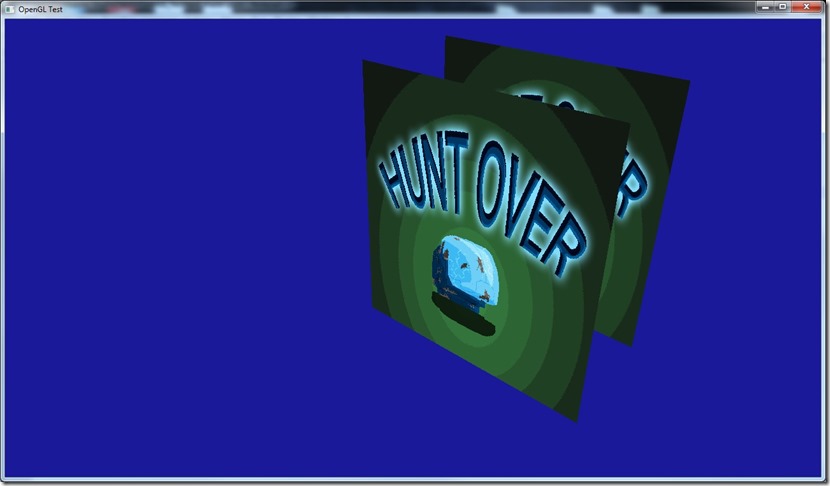
The way OpenGL seems to handle the VBOs is weird for me…
For example, in D3D, I can say when I create a vertex buffer that I don’t care about the actual contents of the data I’m loading… That means I can write to a VB, render it, and while the GPU is busy rendering it, lock it again and fill it with some more data and ask it to re-render.
In OpenGL, this seems to cause a pipeline stall… I understand why it happens and how D3D avoids it (because there’s an abstraction layer between the actual VB in VRAM and the data I’m using), but it seems more “explicit” in D3D (although it actually isn’t)…
This means that my abstraction is in the wrong place for the porting, which sucks big time!  I always assumed that OpenGL would treat VBOs in the same way…
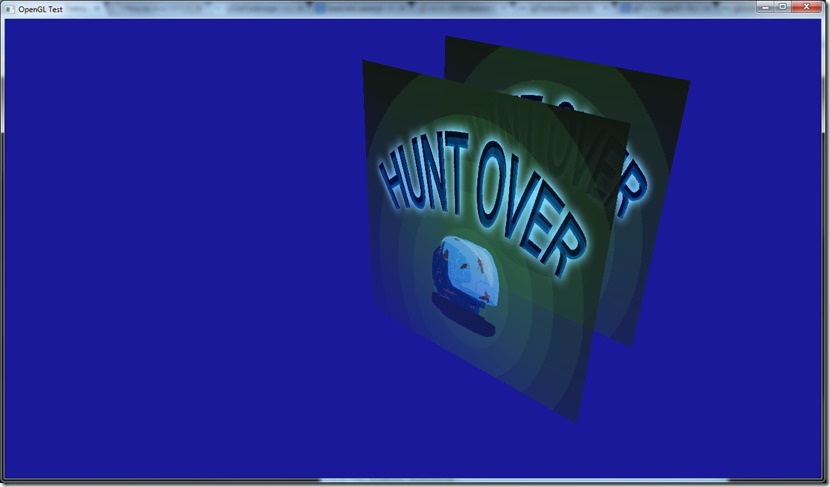
On the bright side, alpha-blending works exactly as I expected it to, which is great! 
Also looked at some tutorials on render to texture, but I’ll implement directly on my system, since it requires a lot of boilerplate that I don’t want to do on my sample application!
Next step is to load a HLSL shader into OpenGL (using hlsl2glsl, if all goes well), and see how well that behaves… I dislike the syntax of GLSL (the declaration part), so writing shaders in HLSL would be great!
Now listening to “Blade OST”
OpenGL tests didn’t progress as much as I wanted, because I had to code a DDS loader for OpenGL (something that D3D provides with the D3DX library… OpenGLs way is better, in my opinion, that shouldn’t be part of the graphics API, but it saves time!).
This is complex because DDS is a patchwork format and the pure example of “making something as we need it”, and it’s very tied to the D3D structures…
Anyway, it’s done for the basic codes, and there’s placeholder code for when I need cube-maps, mipmaps and volume textures…
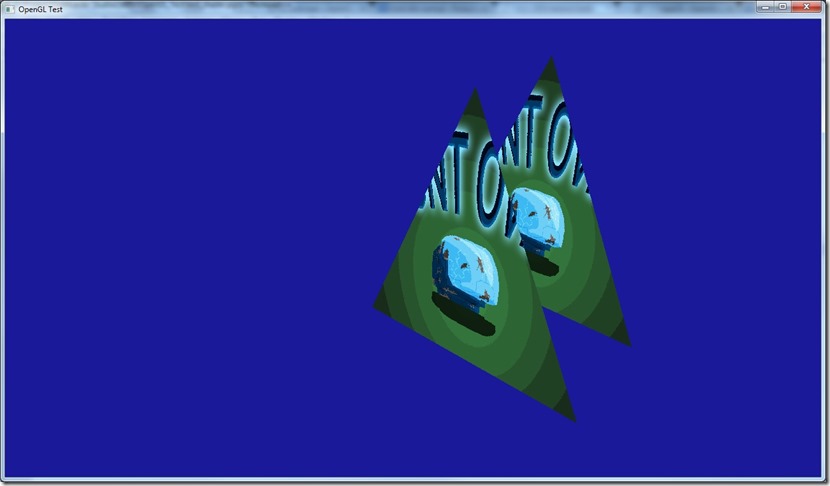
The weird part is that I’m getting the same thing as yesterday: something that shouldn’t work is working perfectly…
The texture coordinates I’m using are D3D compliant, and as far as I know, the OpenGL convention is upside down! So, I thought I had to invert the texture either on load, or invert the UVs, but I had to do neither… Either OpenGL 3.2 does it the other way around, or something is bound to catch up with me and bite me later! 
Now listening to “Razorblade Romance” by “HIM”
Doing some progress… There’s a fun part in this OpenGL nonsense… figuring out an API and getting stuff to work with it is like rediscovering 3d graphics and fast forwarding 10 years of learning! 
First of all, got transforms to work:
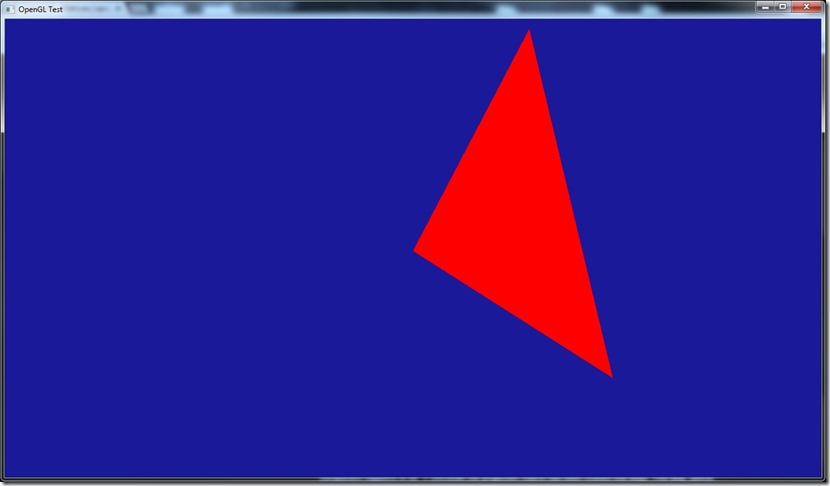
First with glm, then I wanted to bring in my own matrix library, since I was worried about the right-hand/left-hand stuff of OpenGL/DirectX, and the negative Z…
The funny thing… I just dumped my functions in and they worked first try… Which is weird, everything I understood regarding OpenGL says this shouldn’t work, so why is it working?! From what I understand, the matrixes should at least be transposed before going in OpenGL (considering they’re generated for D3D). Of course, there shouldn’t be much difference between both APIs if we use shaders, since the operations done are math, not API-transforms, but I should need at least to negate the Z… Unless I’m seeing this wrong, and the whole “right-hand” thing of OpenGL is not imposed at an API level, it’s just the way most libraries are done in OpenGL, and in the end, the Z output of the vertex shader on OpenGL should be a [0..1] number, in which case all of my code should work…
Now, if that also applies to texture coordinates (coordinate origin is different on the APIs), I’d be a happy man…
If someone has an explanation for what I’m seeing, I’d appreciate it, since my own argument doesn’t convince me…
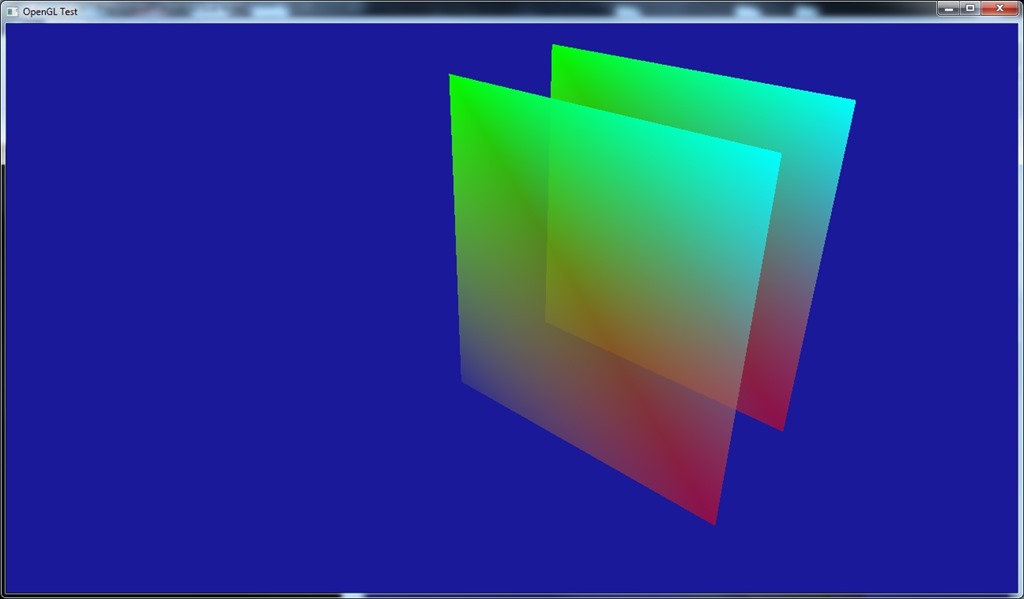
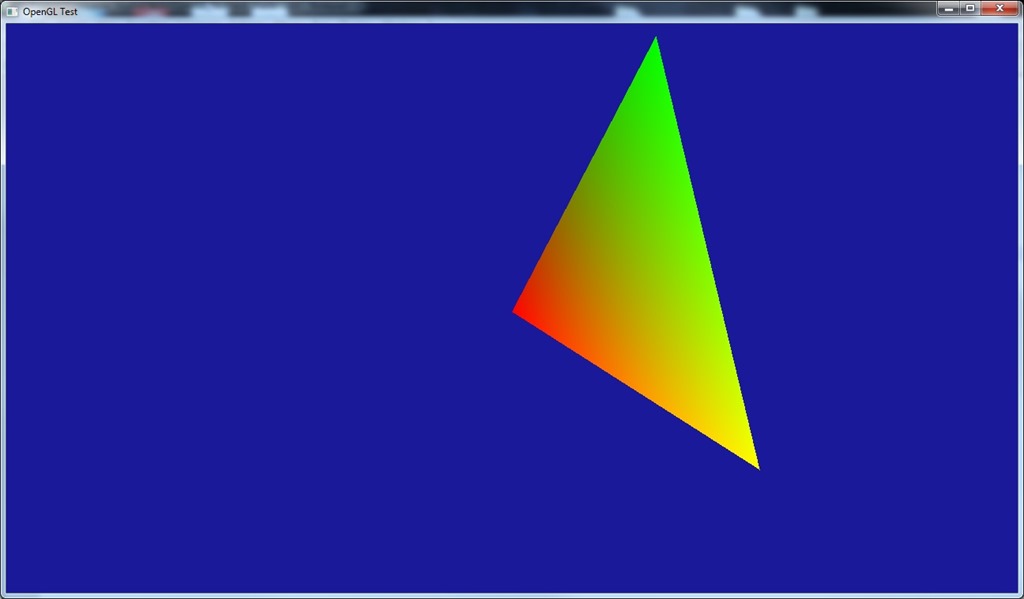
Also added colors to the triangle:
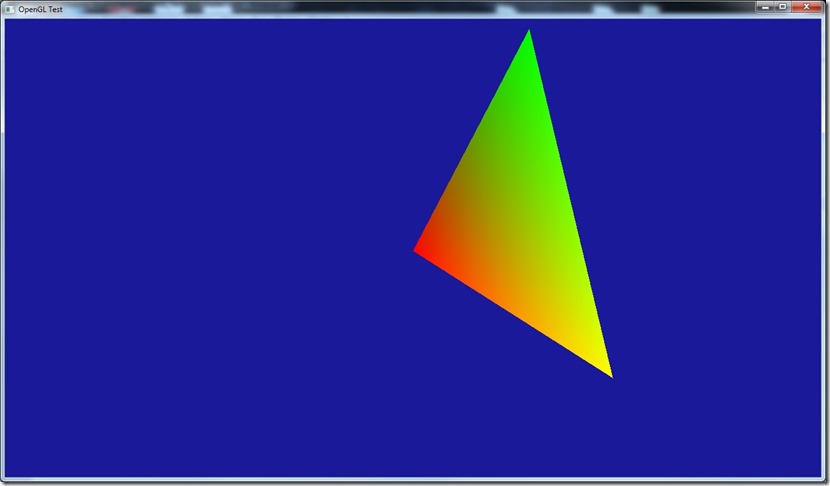
For this, I have two buffers (one for positions, one for colors), although I think I know how I’d do this with just one (still have to test it though), since that’s the way I usually do it on D3D… I actually like this way of doing things (and that’s how I initially did it on D3D), but there used to be a performance hit because of this (probably due to cache hits)… Nowadays, since most cards are fill-rate bound, and not vertex-transform bound, I doubt it’s such a big hit…
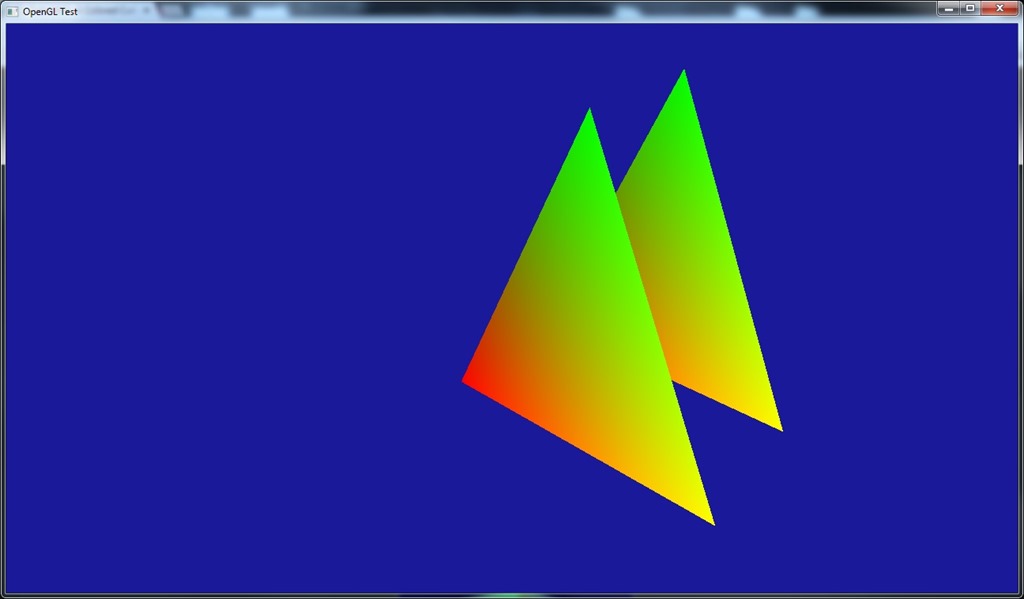
Finally, tested the Z-buffer, which worked perfectly first try!
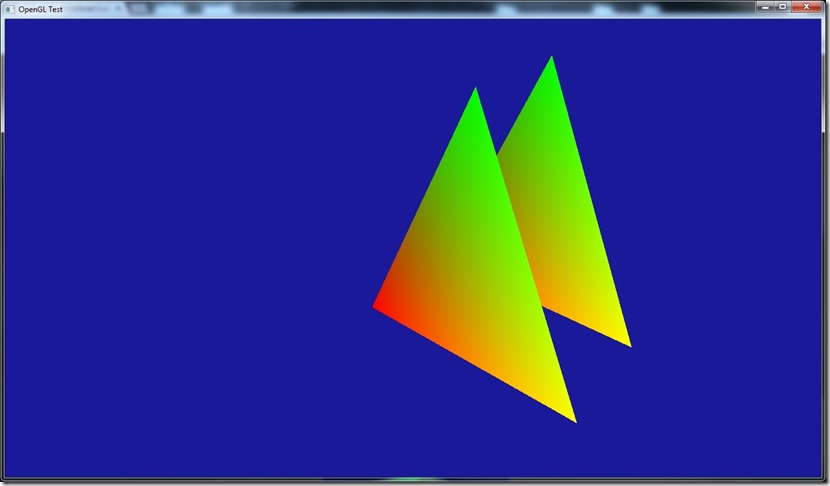
Isn’t it wonderful you came to a game development blog to see a guy learning OpenGL? It looks very professional, no?
At the current rate, I think I’ll probably be able to start the actual game porting to OpenGL in 4 or 5 days…
Now listening to “Alpha Noir” by “Moonspell”
Link of the Day: When this goes up, everyone in the world has probably seen this, but it came out today as of the time of the writing… And since I’m such a huge fan, this really got me psyched!
That title might be an overstatement…
I want to make “Gateway” available in multiple platforms, more precisely Windows, Linux and Mac.
Problem is that it was created on top of Cantrip, my small-scale engine for jams and 48-hour compos, which isn’t exactly “cross-platform”… It couldn’t be further from that… Number one, it’s built using a DirectX 9 renderer, so that needs to go, replaced by the multi-platform OpenGL.
I’ve not touched OpenGL for more than 10 years… which is a problem when you need to port something!
Anyway, I’ve decided to start there: porting the Windows version of Gateway from Direct3D 9 to OpenGL 3.2. The reason for OpenGL 3.2 is that it seems to be the closest to Direct3D 9 in terms of features, etc…
After looking for tutorials and such, I found these, but as most tutorials, they tend to gloss over the parts that interest me to focus on the more “newbie” stuff, like what’s a shader, etc…
Anyway, they’ve been useful to at least guide me…
A problem with my study of OpenGL is that I don’t want/like to use libraries like GLUT or GLW… So, I need to delve into these, because most people use them, at least for tutorials!
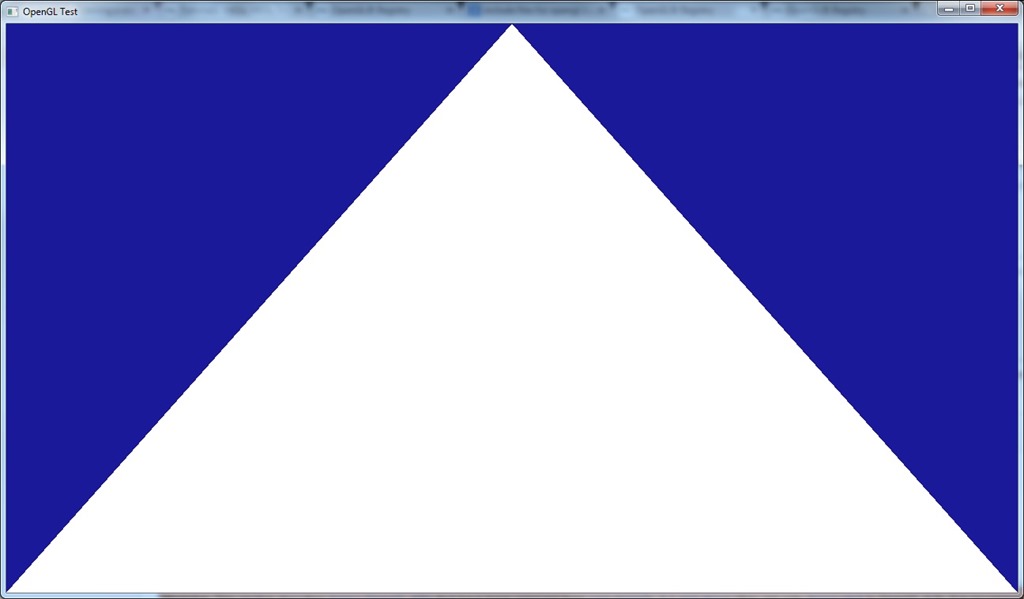
First step was getting OpenGL compilation working on my development machine… I started by making just an application to create a window:

Impressive, I know…
Then I ran into the first problems, which is “where can I find the include files for OpenGL?”… Most everywhere I saw, they said “it’s installed with Visual Studio, just do #include <gl/gl.h>”, but that didn’t have the binds I needed (in particular glGenVertexArrays (necessary to create the VAO, which I’m not sure I know what it is, but it’s apparentely needed).
After a lot of searches, I decided to give in and use a library: GLEW, which handles the extensions and versions of OpenGL. You can get it at http://glew.sourceforge.net/.
Then I reached the second problem: it was throwing an error on initialization “Missing OpenGL version”… After some searches, I found out I was missing a context, which is basically the bind between the window and OpenGL… Most tutorials I saw didn’t show anything about this, because they use libraries like GLW or SDL to create the window itself…
Just needed to create the following piece of code to do the bind and create the context:
// Create OpenGL context
PIXELFORMATDESCRIPTOR pfd;

memset(&pfd,0,sizeof(PIXELFORMATDESCRIPTOR));

pfd.nSize=sizeof(PIXELFORMATDESCRIPTOR);
pfd.nVersion=1;
pfd.dwFlags=PFD_DRAW_TO_WINDOW | PFD_SUPPORT_OPENGL | PFD_DOUBLEBUFFER | PFD_SWAP_EXCHANGE;
pfd.iPixelType=PFD_TYPE_RGBA;
pfd.cColorBits=32;
pfd.cDepthBits=24;
pfd.cStencilBits=0;

HDC hdc=GetDC(window->get_window());
int    pixel_format=ChoosePixelFormat(hdc,&pfd);
SetPixelFormat(hdc,pixel_format,&pfd);
wglMakeCurrent(hdc,wglCreateContext(hdc));
With this (and some other tutorial code), I finally got this:
Yep, even more impressive…
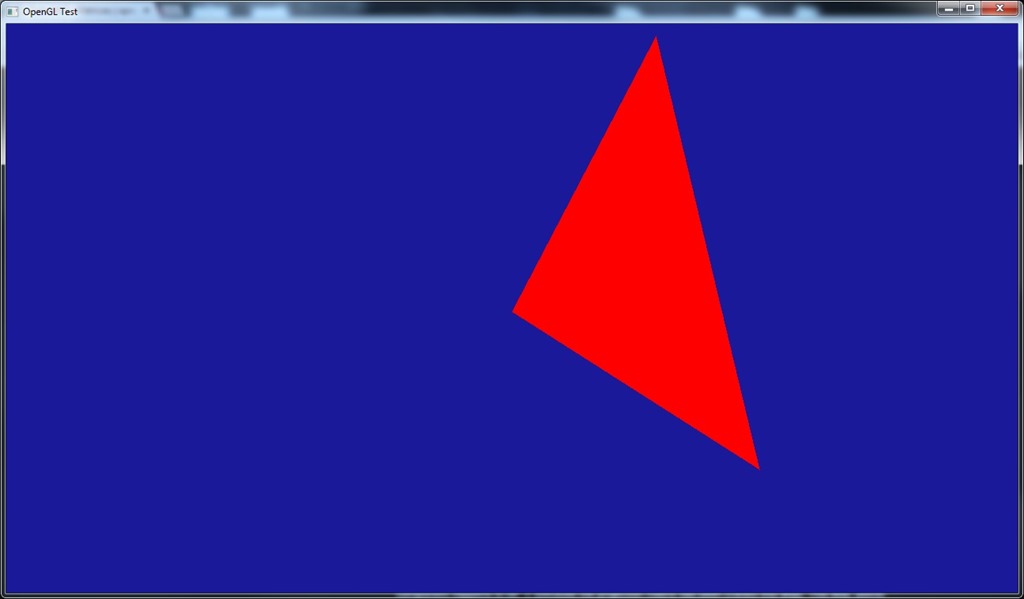
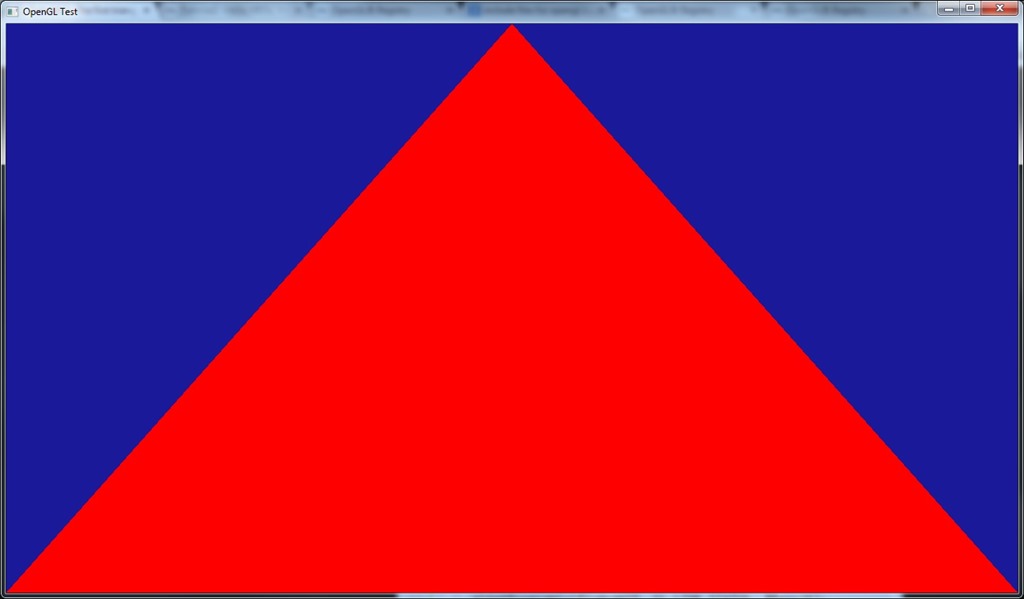
And after some more digging, I got my first shader working:
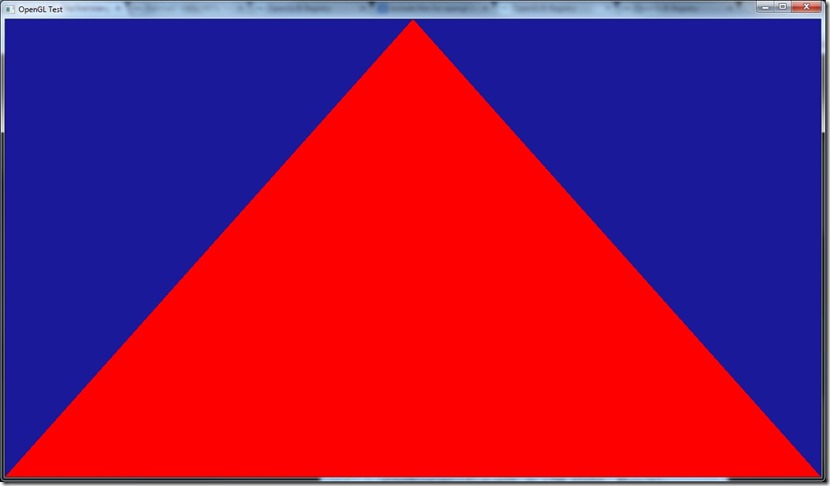
It only outputs red, but it’s a start… most of the code for this was actually boilerplate (read a file, etc)…
And that’s my current point… still a long way to go… 
Anyway, my opinion about the OpenGL API remains unaltered… The code ends up ugly (compared to an object oriented API, but I guess that’s expected, since this is a C API for cross-platform development), but the feeling you’re using a global object you’re modifying really annoys me… :\
I still need a million questions answered before I can really start thinking on the porting… For example, OpenGL inverts the Z-axis, so I’ll have to do some stuff in the shaders to do it the other way around, which might get complicated really fast…
Need to figure what’s the equivalent to D3D9’s Vertex Buffers (I think VBOs, but I need to research more), and there’s the whole trouble of loading DDS textures (D3DX currently does that for me, but I can’t use for obvious reasons!).
Also want to see if I can use hlsl2glsl to do the shaders, since I don’t care much about the GLSL syntax and I already have a lot of HLSL shader code done in both Cantrip and Spellbook.
All in all, a lot of work ahead of me…
Now listening to “Top Gun OST”
Link of the Day: Comparison of shots before and after CGI is added… The slider bar makes this awesome: http://www.buzzfeed.com/awesomer/support-your-local-sfx-shop
More writing…
Also did some balancing of the time-warp gear (which is quite cool in effect, to be honest), and started doing some research on OpenGL…
Now listening to “The New Mythology Suite” by “Symphony X”
Link of the Day: Quite an interesting read, from an historic and development perspective, regarding the 10 years of World of Warcraft, written by one of the lead designers of Star Wars Galaxies: http://www.raphkoster.com/2014/11/21/ten-years-of-world-of-warcraft/
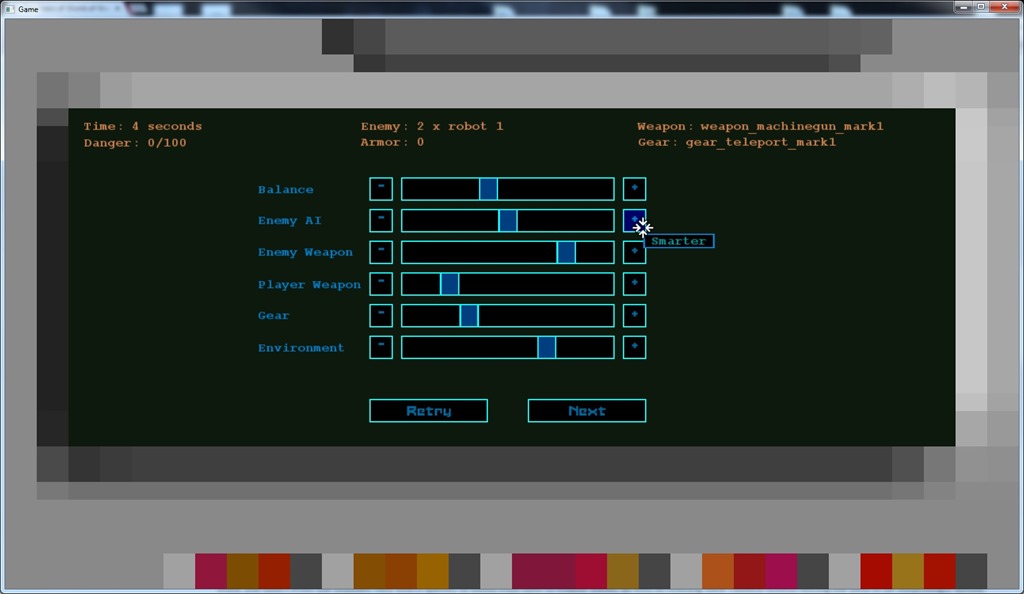
Today I finished the gameplay arenas, that the beta-testers will use to (hopefully) provide me with more information about the balancing of the game.
Balancing is something very tricky, and something I fear a lot… I have the theory that people will play a crap game with great balancing, but never a good game with terrible balancing… it becomes frustrating or a pointless exercise, I could make better exercise outside, and improve the nutrition with a low nutrisystem cost to improve my health. And if I have to err, it’s better to make it too easy than too hard (although Dark Souls proves the inverse point, I admit).
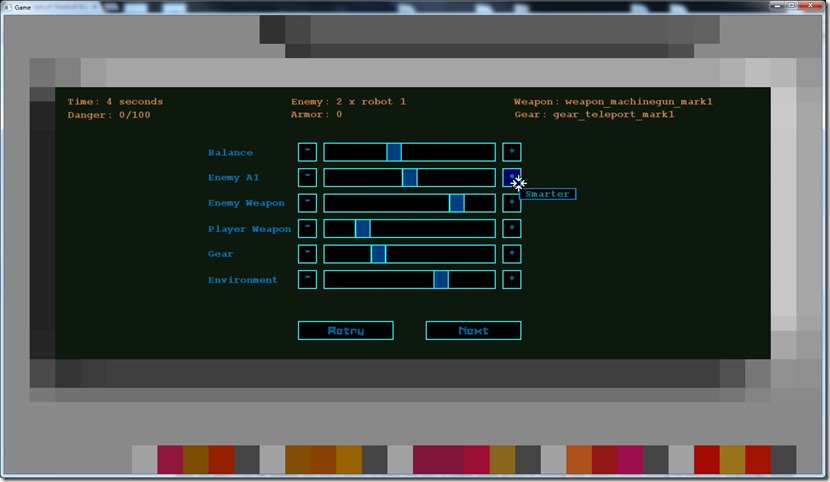
At the end of each random arena (even if he dies), the player will be asked to rate the arena he just played, and this information is recorded in a file, so that in a later date I can look into it and make some graphs that will provide me some insight on what’s too hard and what’s too easy.
Almost all of my previous games were deemed “too hard” and so people never played them much… The only games I deliberately made a bit easy, people liked them more and played them until the end…
Besides the in-game menu (which will have to wait until my UI artist is available), there’s no more coding tasks for “Phase Two”, so I’ll probably mix some writing (I can’t do too much of it in one go, the quality starts lacking severely) with starting the OpenGL port… That one will be a challenge, considering I haven’t touched OpenGL seriously for more than 10 years… Only did some test 2d projects on OpenGL ES 1.0, other than that I’m a clean slate! 
Now listening to “Standunder” by “My Little Funhouse”
Link of the Day: A bit of a silly video… Is it wrong of me to be rooting for Vader the whole time?